 GEAR
GEARRanked · 3 picks
CS2 Audio Settings 2026: Best EQ & Sound Profile for Hearing Footsteps
Hear enemies before you see them. We break down the exact CS2 in-game audio settings, Perspective EQ EQ profiles, and IEM configurations used by S-tier Counter-Strike 2 pros.
Published 25 September 2026 · Updated 25 September 2026Affiliate links
Why Audio Settings Win CS2 Rounds
In Counter-Strike 2, visual peeking without auditory information is a gamble. Having optimized audio settings allows you to pinpoint whether a player is running through Mirage Apartment (wood), B Site Catwalk (metal), or Underpass (wet stone) long before they show up on your crosshair.
Optimal In-Game CS2 Audio Settings
Navigate to Settings > Audio in CS2 and configure the following benchmark values:
| Setting | Recommended Value | Why It Matters |
|---|---|---|
| Audio Output Device | Default / Direct DAC | Ensures low latency direct driver access |
| Master Volume | 70% – 100% | Maximize dynamic range without clipping |
| Audio Profile / EQ | Crisp | Accentuates 2 kHz – 6 kHz footstep frequencies |
| L/R Isolation (Panning) | 50% (Standard) | Natural stereo width for accurate angle calculation |
| Perspective Correction | Yes | Aligns 3D sound positioning with your field of view |
Frequency Breakdown: How Footsteps Behave in Source 2
Understanding the audio spectrum in CS2 prevents you from drowning out subtle cues with muddy bass:
- Sub-Bass (20 Hz – 150 Hz): HE Grenade blasts, AWP shots, and C4 explosions live here. High bass overpowers footsteps.
- Footstep Attack & Surface Impact (1.5 kHz – 3.5 kHz): Boot contact on dust, wood planking, and tile.
- Metallic & High-Frequency Details (4 kHz – 8 kHz): Ladder rungs, scope zooming, reload pins, and defuse wire snips.
Best Hardware for CS2 Footstep Audio
While software settings give you the foundation, hardware drivers dictate clarity. CS2 professionals overwhelmingly favor In-Ear Monitors (IEMs) over bulky gaming headsets on LAN due to passive sound isolation and direct driver proximity:
- Truthear x Crinacle Zero: RED: Dedicated dual dynamic drivers split bass from high-frequency footstep cues.
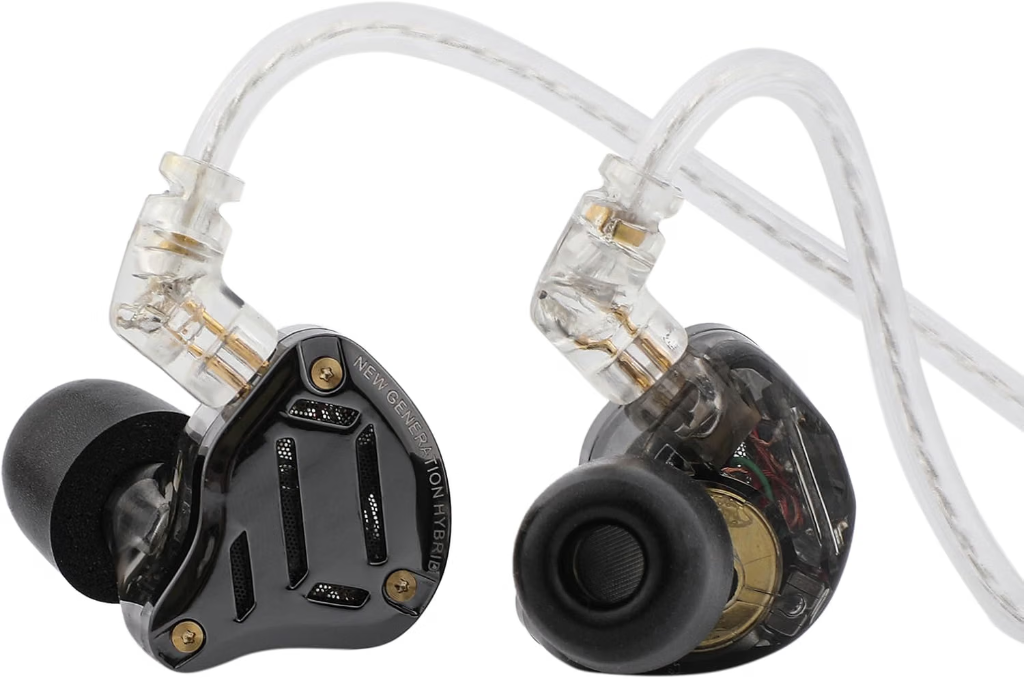
- Linsoul KZ ZS10 Pro 2: Hybrid 5-driver setup with physical hardware tuning switches for extreme clarity.
Explore our full Best CS2 IEM Ranking to view full LAN frequency testing results.
Truthear Zero: RED IEM
Truthear x Crinacle
Co-designed with acoustic expert Crinacle, the Zero: RED delivers textbook neutral tuning with dual dynamic drivers. It separates explosive sub-bass from delicate footstep frequencies better than almost any IEM under €100.
- Architecture
- Dual Dynamic (10mm + 7.8mm)
- Tuning
- Crinacle Target + 10Ω Adapter
- Impedance
- 17.5 Ω
- Cable
- Detachable 0.78mm 2-Pin
- Dual dynamic driver crossover isolates grenade rumbles from footsteps and defuse clicks
- Ultra-low distortion and clean upper-midrange give unmatched spatial localization
Nozzle diameter is slightly wider than average — may take a day to adjust to smaller ears
KZ ZS10 Pro 2 IEM
KZ / Linsoul
The second generation of KZ's legendary budget IEM adds custom tuning switches and redesigned balanced armatures, delivering incredible directional footstep separation in CS2 for under €60.
- Architecture
- 1DD + 4BA Hybrid (5 drivers)
- Tuning
- 4-Level Hardware Switches
- Impedance
- 25–28 Ω
- Cable
- Detachable 0.75mm 2-Pin OFC
- 5-driver hybrid configuration per ear provides pinpoint spatial accuracy for footsteps and defuse cues
- 4-level physical tuning switches allow instant EQ adjustment to boost high-frequency audio cues
Stock silicone tips are basic — swapping for memory foam tips improves bass response and seal
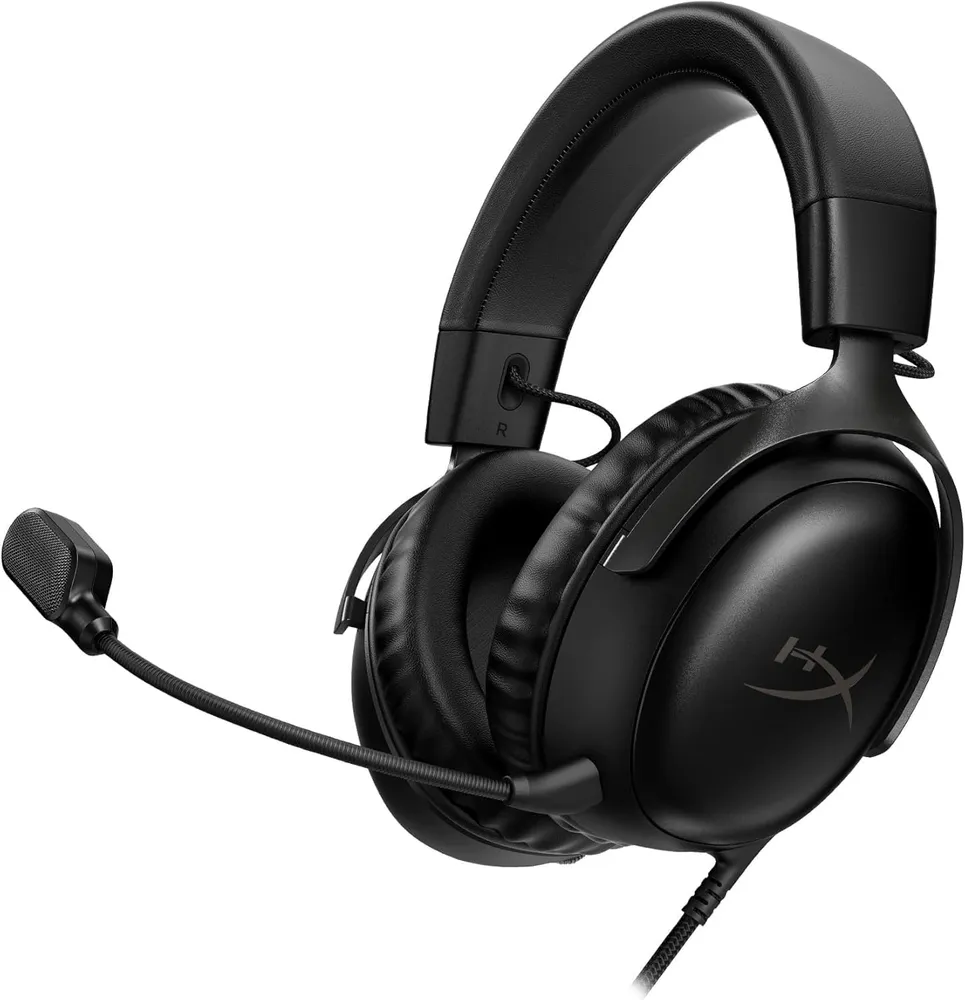
HyperX Cloud III
HyperX
Angled 53 mm drivers, a detachable mic that genuinely holds up on comms, and no battery to fail mid-match. The Cloud line earned its reputation on comfort, and the third generation did not spend it.
- Drivers
- 53 mm, angled
- Connection
- 3.5 mm / USB-C
- Mic
- 10 mm, detachable
- Padding
- Memory foam
- Drivers are angled toward the ear rather than firing flat, which sharpens left-right placement of footsteps
- Analogue 3.5 mm as well as USB-C: it works on the tournament PC, the console and the phone with no driver
Closed leatherette traps heat — after three hours your ears are warm and you know it

Season 1 · CS2 skin giveaway
CS2 Rifle
M4A1-SBlack Lotus
Field-Tested
One skin, given away every month to subscribers of the YouTube and TikTok channels. Free to enter, no purchase, no gear required.
Claim your ticket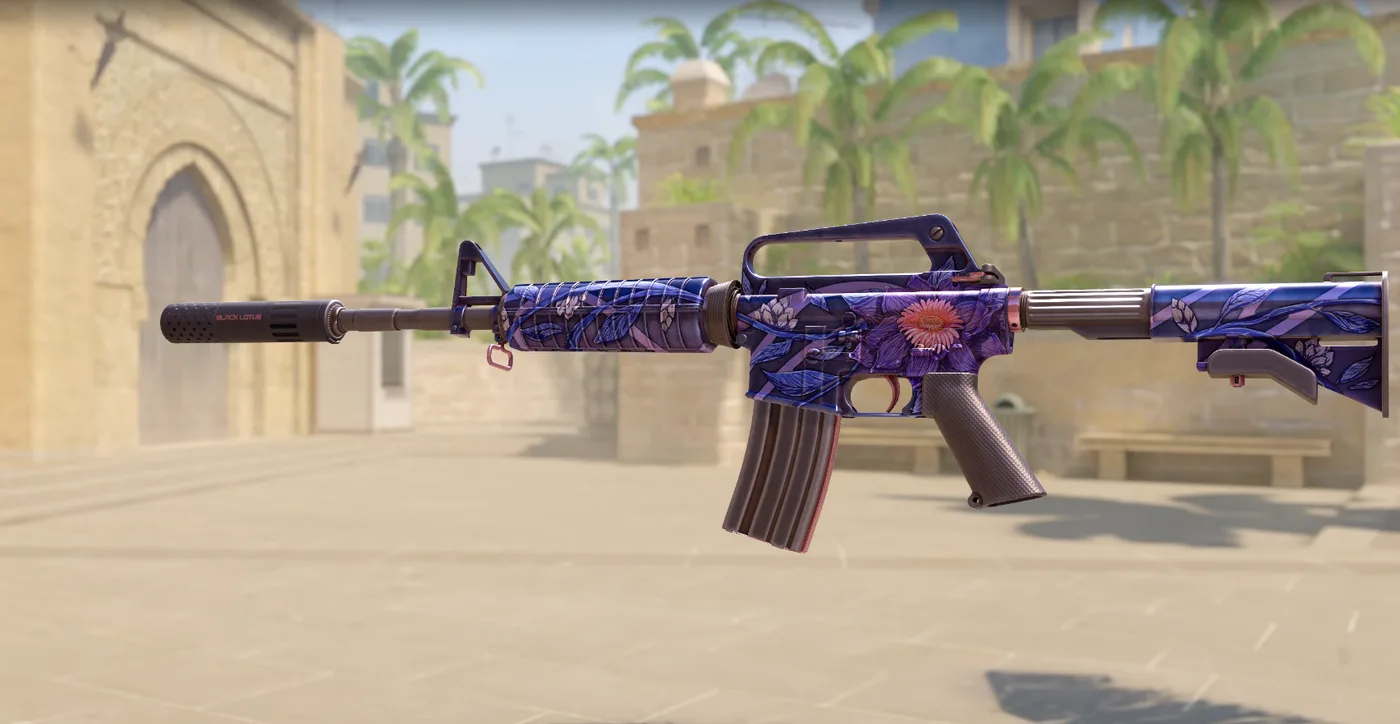
FAQ
Frequently asked
What is the best Audio Profile in CS2 for spatial positioning?
In CS2, Crisp or Default Perspective EQ coupled with 3D Audio enabled provides the most accurate spatial separation. Crisp boosts high-mid frequencies where boot scrapes and ladder clicks reside.
Should I enable 3D Audio Processing in CS2?
Yes, absolutely. 3D Audio Processing applies HRTF modeling tailored to CS2 Source 2 engine, allowing you to discern front-vs-back footstep orientation.
Do IEMs work better with CS2 Audio EQ than over-ear headphones?
Yes. In-ear monitors (IEMs) have immediate transient response and seal directly inside your ear canal. Paired with CS2 Crisp EQ setting, subtle sounds like defuse pin clicks and pin pulls stand out distinctly.
Win a CS2 M4A1-S Black Lotus this month. Free entry for subscribers + daily tickets on Daily Duel.