 GEAR
Ranked · 6 picks
Best microphone for CS2 in 2026: 6 picks for team voice and streaming
There are two reasons to buy a microphone for CS2, and they lead to different purchases. The first is that you use IEMs or headphones and have nothing carrying your voice. The second is that you have started recording or streaming and your headset boom has become the weakest part of the chain. These six are compared on connection, on whether the room you play in is quiet, and on which of those two problems each one actually solves.
Published 12 November 2026 · Updated 12 November 2026Affiliate links
Compare the shortlist
| # | Photo | Model | Best for | Check first | Where to buy |
|---|---|---|---|---|---|
| 1 | Razer Seiren V3 Mini | Players using IEMs who want a compact USB microphone with a visible mute indicator. | A condenser microphone can still capture room and keyboard noise | View on Amazon.com | |
| 2 | HyperX SoloCast 2 | Players with headphones or IEMs who want a compact USB microphone without a separate interface. | Condenser pickup still requires careful placement in a noisy room | View on Amazon.com | |
| 3 | Samson Q2U Recording Pack | Players who want a dynamic desktop mic now and optional XLR use later. | Older stock and revised connector versions may differ; inspect the actual listing | View on Amazon.com | |
| 4 | FIFINE K688CT Mic & Arm Kit | Players using IEMs who need a microphone and a mounting arm together. | Desk clamp needs a compatible edge and clearance underneath | View on Amazon.com | |
| 5 | Elgato Wave:3 | Players who stream or record and want a USB microphone with software mixing controls. | A condenser microphone can pick up room and keyboard sound if positioned poorly | View on Amazon.com | |
| 6 | RØDE PodMic USB | Players who regularly record spoken content and want a dynamic microphone with USB and XLR. | Requires a suitable stand or arm and space near the speaking position | View on Amazon.com |



Which of the two problems do you have?
You use IEMs and have no microphone at all. This is the most common reason, and the answer is the cheapest thing that works at close range. The Razer Seiren V3 Mini and the HyperX SoloCast 2 are both compact USB microphones that sit on a desk and do nothing clever. For team voice, nothing clever is required. If your desk stand cannot get the microphone near your mouth, the FIFINE K688CT ships with an arm, which saves a second purchase.
Your audience hears you. Then the capsule and the room start to matter, and the list changes. The Elgato Wave:3 is a condenser with software mixing attached, which is useful if you are balancing game audio and voice for a stream. The RØDE PodMic USB is the dynamic answer to the same question, and the better one if your room is not treated.
Dynamic or condenser, decided by your room
This is the only specification on this page worth reading, and it is not about sound quality.
A condenser is more sensitive. In a quiet, carpeted room that gives you a fuller voice. In a room with a mechanical keyboard, a fan, a chair that creaks and a window onto a street, it gives you all of those too.
A dynamic microphone hears mostly what is within a few centimetres of it. It needs you closer, and it rejects nearly everything else. The Samson Q2U, the PodMic USB and the K688CT are the dynamics here.
If you are unsure, pick dynamic. The failure mode of a condenser in an untreated room is obvious to everyone except the person using it.
The USB-and-XLR middle ground
Three of these six carry both outputs: the Q2U, the PodMic USB and the K688CT. It is worth understanding what that buys, because it is routinely oversold.
It does not improve the sound today. What it does is let you add an interface or a mixer in a year without buying a new microphone. If you suspect you are heading that way, pay the small premium now. If you are buying a microphone so your team can hear you, you will never use the second socket, and that is a perfectly good outcome.
Position beats price
Before spending more, move what you have closer. CS2 voice runs through a codec that discards most of what separates a good microphone from a great one, and the distance between your mouth and the capsule changes the result more than the capsule does.
The same goes the other way: a very good microphone a forearm’s length away, pointed at your keyboard, will sound worse than a cheap one placed properly. The streaming desk guide covers mounting and reach, and the USB microphone guide goes further into the connection choice if you want the longer version.
If you are still deciding between a headset boom and a separate microphone, the headset ranking lists which of those have a detachable boom — that is often the cheaper route to the same result.
Razer Seiren V3 Mini
Razer
A compact USB condenser option for a desk where a full-size recording setup is unnecessary. Tap-to-mute and its status light are practical features, but good microphone placement still matters.
- Type
- Supercardioid condenser
- Connection
- USB
- Mute
- Tap sensor with LED
- Tap-to-mute sensor with LED status indicator
- USB plug-and-play connection
A condenser microphone can still capture room and keyboard noise
HyperX SoloCast 2
HyperX
SoloCast 2 is a practical starting point if you already like your headphones and only need team voice. The integrated accessories simplify the first setup; they do not remove the need to set a sensible microphone distance.
- Type
- USB condenser
- Connection
- USB-C
- Mounting
- Integrated stand threads
- Integrated shock mount and pop filter
- USB-C plug-and-play connection
Condenser pickup still requires careful placement in a noisy room
Samson Q2U Recording Pack
Samson
A dynamic microphone option with both USB and XLR outputs, suitable if you want to start directly on a PC and retain an interface upgrade path. Check the exact package and connector revision before ordering.
- Type
- Cardioid dynamic
- Connection
- USB / XLR
- Monitoring
- 3.5 mm headphone output
- USB and XLR output options
- Headphone monitoring output and included desktop accessories
Older stock and revised connector versions may differ; inspect the actual listing
FIFINE K688CT Mic & Arm Kit
FIFINE
A practical kit if you need both a close-positioned dynamic microphone and a desk arm. USB lets you begin without an interface, while XLR leaves a later upgrade path; check that the clamp fits your desk first.
- Type
- Dynamic microphone
- Connection
- USB / XLR
- Package
- K688CT mic and arm
- Microphone and mounting arm supplied as one kit
- USB and XLR connection options
Desk clamp needs a compatible edge and clearance underneath
Elgato Wave:3
Elgato
A USB condenser option for people who will use software audio mixing as well as team voice. Its role is a straightforward PC microphone connection; good placement remains more important than adding processing to every source.
- Type
- Cardioid condenser
- Connection
- USB
- Software
- Wave Link
- USB connection avoids buying an XLR interface to get started
- Wave Link software supports routing multiple audio sources
A condenser microphone can pick up room and keyboard sound if positioned poorly
RØDE PodMic USB
RØDE
PodMic USB belongs on the shortlist if voice recording is a recurring task rather than an occasional team call. Its USB path can avoid buying an interface, while XLR supports a separate recording chain later.
- Type
- Cardioid dynamic
- Outputs
- USB-C / XLR
- Address
- End-address
- USB and XLR outputs
- USB path includes DSP and direct headphone monitoring
Requires a suitable stand or arm and space near the speaking position
Season 1 · CS2 skin giveaway
Classified · Sniper Rifle
AWPIce Coaled
Field-Tested
One skin, given away every month to subscribers of the YouTube and TikTok channels. Free to enter, no purchase, no gear required.
Claim your ticket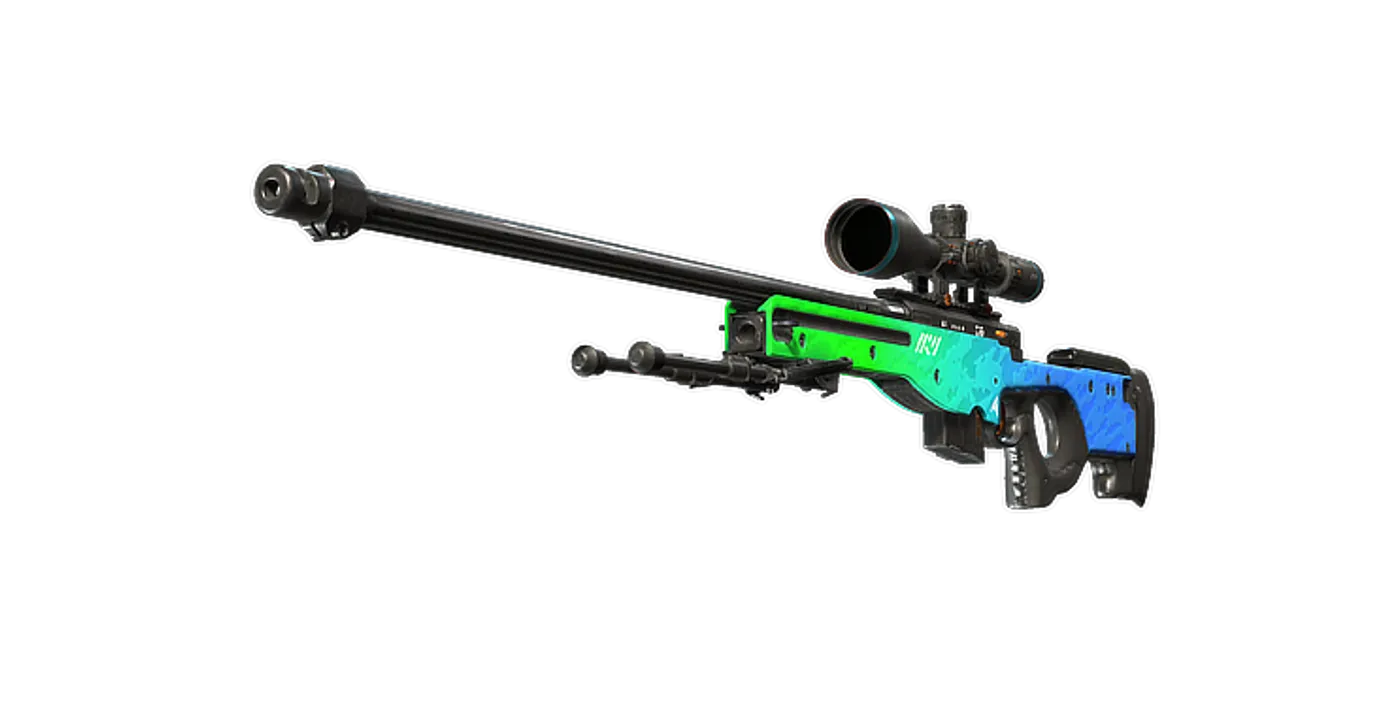
FAQ
Frequently asked
Do I need a separate microphone for CS2?
Only if you have nothing else carrying your voice, or if you have started recording. For ordinary team voice a working headset boom is already enough — teammates need a callout to be intelligible in under a second, not broadcast quality. The people who genuinely need one are IEM users, who have no microphone at all, and anyone whose audience hears them.
Dynamic or condenser for a gaming desk?
Dynamic, if your room is not quiet. A condenser is more sensitive, which sounds like an advantage and means it also picks up your keyboard, your chair and the street. A dynamic microphone hears mostly what is close to it. If you play in a shared or noisy room, that difference matters far more than any specification on the box.
Is USB or XLR better?
USB, for almost everyone reading this. XLR needs an interface or mixer, which is a second purchase and a second thing to configure, and it buys you headroom you will not use for voice chat. The useful middle is a microphone with both outputs — the Q2U, the PodMic USB and the K688CT all let you start on USB and move to XLR later without replacing the microphone.
Will a better microphone make my teammates hear my callouts better?
Marginally. Clarity in CS2 voice chat is limited far more by the game's voice codec, by how close the microphone sits to your mouth, and by background noise, than by the capsule. Position and a quiet room beat a more expensive microphone almost every time, and both are free.
Do I need a boom arm?
If your microphone came with a desk stand and you can get it close to your mouth, no. A boom arm matters when the stand puts the microphone too far away, blocks your screen, or sits where your mouse needs to sweep. The K688CT includes one; the Wave:3 and PodMic USB are usually mounted on one.
Can I use a microphone and IEMs at the same time?
Yes, and that is the most common reason to buy one here. IEMs have no microphone, so a USB microphone is the other half of that setup. It plugs in separately from your earphones and CS2 lets you choose the input device independently of the output.