 GEAR
Ranked · 6 picks
CS2 keyboard layouts: 60%, 75%, TKL or full-size?
A smaller keyboard can free mouse space, but it can also hide keys you use every day. Compare six conventional mechanical and optical options by layout, connection, switch feel and the contents of the actual package.
Published 12 November 2026 · Updated 12 November 2026Affiliate links
Compare the shortlist
| # | Photo | Model | Best for | Check first | Where to buy |
|---|---|---|---|---|---|
| 1 | Corsair K70 CORE | Players who still need a number pad and want conventional linear mechanical keys. | Keyboard layout follows the storefront: the French listing is AZERTY, not ANSI | View on Amazon.com | |
| 2 | Corsair K65 PLUS WIRELESS | Players who want a compact mechanical keyboard while keeping dedicated arrows and a function row. | Compact spacing takes adjustment from a full-size keyboard | View on Amazon.com | |
| 3 | HyperX Alloy Origins 60 | Players who deliberately want a 60% keyboard to free mouse space. | Arrows and function keys rely on secondary functions | View on Amazon.com | |
| 4 | Logitech G413 TKL SE | Players seeking a simple wired TKL with tactile switches and restrained lighting. | No number pad | View on Amazon.com | |
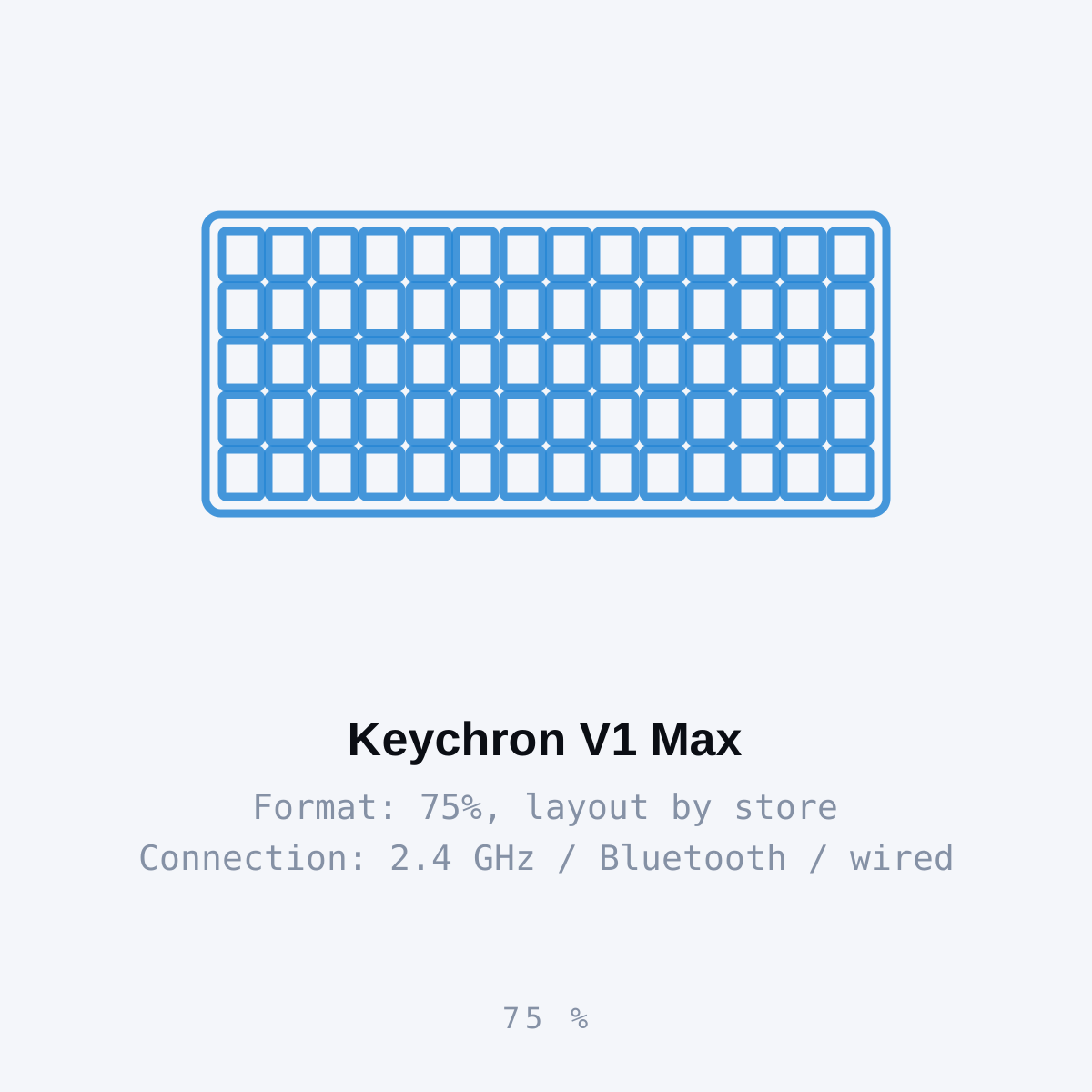
| 5 | Keychron V1 Max | Players who share one desk between gaming and typing and want a configurable 75% keyboard. | Keyboard layout follows the storefront: the French listing is AZERTY, not ANSI | View on Amazon.com | |
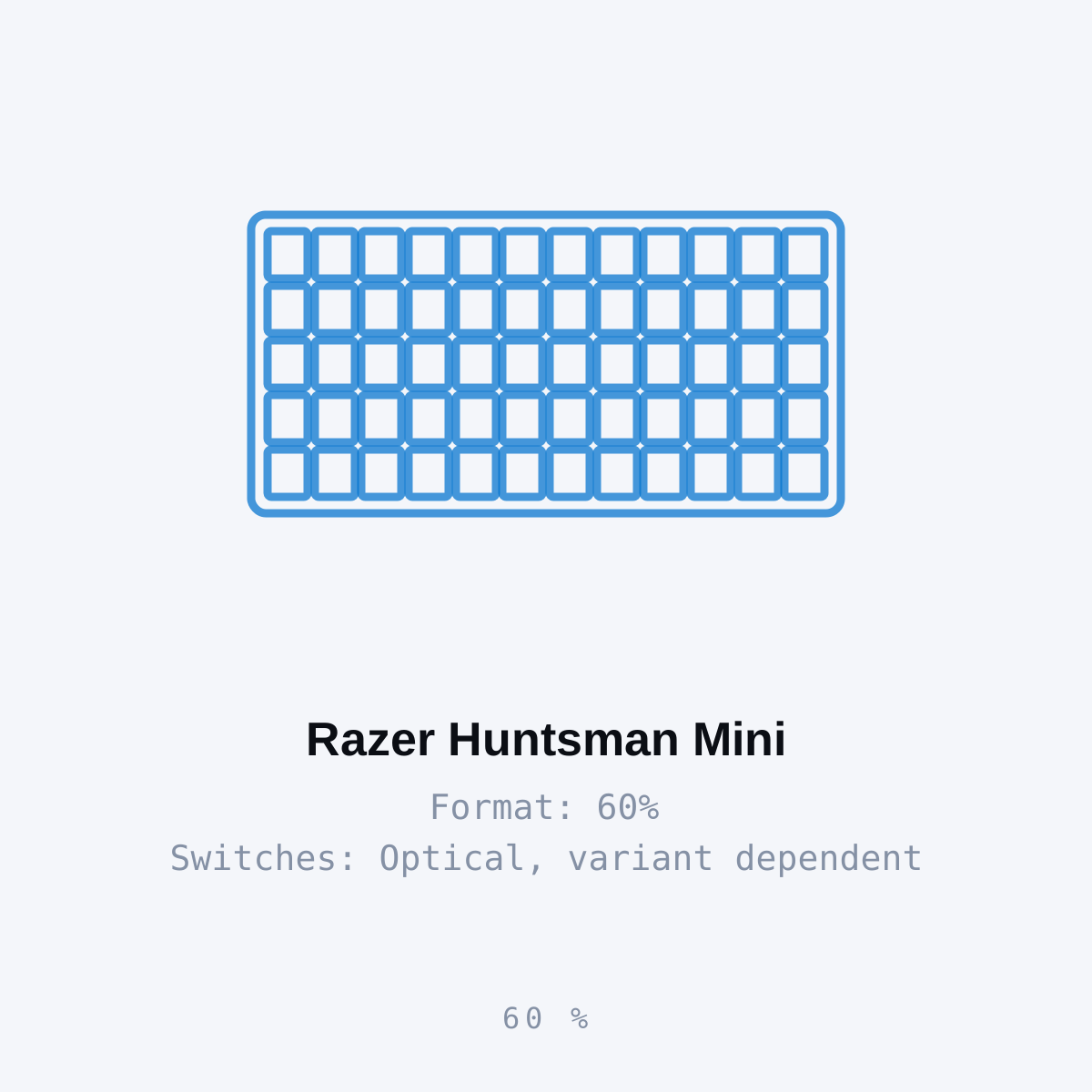
| 6 | Razer Huntsman Mini | Players who want a wired 60% optical keyboard and are comfortable using a function layer. | Keyboard layout follows the storefront: the French listing is AZERTY, not ANSI | View on Amazon.com |
Decide which keys you need
Start with work and game shortcuts you use regularly. A 60% layout needs a function layer for navigation and the function row. A 75% or TKL can be a better compromise if dedicated arrows are useful. Full-size remains practical when a number pad earns its desk space.
Choose switch feel deliberately. Tactile, linear and clicky are different preferences; a conventional mechanical or optical board is not automatically a magnetic rapid-trigger keyboard. Check the actual regional layout, as a US storefront can also list imported ISO or non-English boards.
Barebones and fully assembled are not equivalent offers. A barebones Keychron needs switches and keycaps before it is a complete keyboard. Include those parts and any required cable in the comparison rather than picking the lowest headline offer.
A quick decision check
| Option | Consider it for | Check first |
|---|---|---|
| Corsair K70 CORE | Players who still need a number pad and want conventional linear mechanical keys. | Full width leaves less space for a low-sensitivity mouse sweep |
| Corsair K65 PLUS WIRELESS | Players who want a compact mechanical keyboard while keeping dedicated arrows and a function row. | Compact spacing takes adjustment from a full-size keyboard |
| HyperX Alloy Origins 60 | Players who deliberately want a 60% keyboard to free mouse space. | Arrows and function keys rely on secondary functions |
| Logitech G413 TKL SE | Players seeking a simple wired TKL with tactile switches and restrained lighting. | No number pad |
| Keychron V1 Max | Players who share one desk between gaming and typing and want a configurable 75% keyboard. | Barebones packages omit switches and keycaps |
| Razer Huntsman Mini | Players who want a wired 60% optical keyboard and are comfortable using a function layer. | No dedicated arrow cluster or function row |
Continue comparing
Read each product’s linked source and limits before choosing. Browse the complete keyboard category or all selected gear. Shopping links open Amazon.com in English by default and use our affiliate tag. Some open an exact-model search when no US product reference has been confirmed; inspect the selected offer before ordering. No current price, retailer stock or measured performance advantage is claimed.
Corsair K70 CORE
Corsair
K70 CORE is worth comparing if the keyboard also handles spreadsheets, shortcuts or regular number entry. Keeping the number pad may be more useful than copying a compact esports setup that does not suit your daily work.
- Format
- Full-size
- Switches
- MLX Red linear
- Lighting
- RGB
- Full-size layout keeps the number pad
- MLX Red linear mechanical switches
Keyboard layout follows the storefront: the French listing is AZERTY, not ANSI
Corsair K65 PLUS WIRELESS
Corsair
A 75% keyboard is a useful middle ground when a 60% board would hide too many everyday keys. K65 PLUS retains arrows and utility keys, reducing width without turning all navigation into a layer shortcut.
- Format
- 75%
- Connection
- Wireless
- Control
- Multi-function dial
- 75% layout preserves useful navigation keys
- Multi-function dial for supported desktop controls
Compact spacing takes adjustment from a full-size keyboard
HyperX Alloy Origins 60
HyperX
Origins 60 is a practical size choice when your current keyboard blocks a full mouse sweep. Measure the desk first: the trade-off is the absence of dedicated keys that you may use outside CS2.
- Format
- 60%
- Connection
- Wired USB-C
- Width
- 296 mm
- Compact 60% form factor
- Detachable USB-C cable
Arrows and function keys rely on secondary functions
Logitech G413 TKL SE
Logitech
G413 TKL SE suits someone who values tactile feedback and dedicated arrows over extensive lighting customisation. It removes the number pad while keeping a familiar navigation area for normal desktop use.
- Format
- TKL
- Switches
- Tactile mechanical
- Keycaps
- PBT
- Tactile mechanical switches
- PBT keycaps and tenkeyless layout
No number pad
Keychron V1 Max
Keychron
V1 Max is a flexible desk keyboard if you want to choose switch feel and remap everyday keys. Its compact format keeps arrows, and the manufacturer distinguishes the 2.4 GHz connection from Bluetooth for multi-device use.
- Format
- 75%, layout by store
- Connection
- 2.4 GHz / Bluetooth / wired
- Customisation
- QMK / Launcher
- 75% layout with knob
- Hot-swappable switches on the specified model
Keyboard layout follows the storefront: the French listing is AZERTY, not ANSI
Razer Huntsman Mini
Razer
Huntsman Mini is useful when desk space is the problem and a function layer is acceptable. Side-printed secondary legends help with navigation, but the smaller layout still changes how you type and use shortcuts.
- Format
- 60%
- Switches
- Optical, variant dependent
- Cable
- Detachable USB-C
- 60% footprint leaves more desk width
- Double-shot PBT keycaps with secondary legends
Keyboard layout follows the storefront: the French listing is AZERTY, not ANSI
Season 1 · CS2 skin giveaway
Classified · Sniper Rifle
AWPIce Coaled
Field-Tested
One skin, given away every month to subscribers of the YouTube and TikTok channels. Free to enter, no purchase, no gear required.
Claim your ticket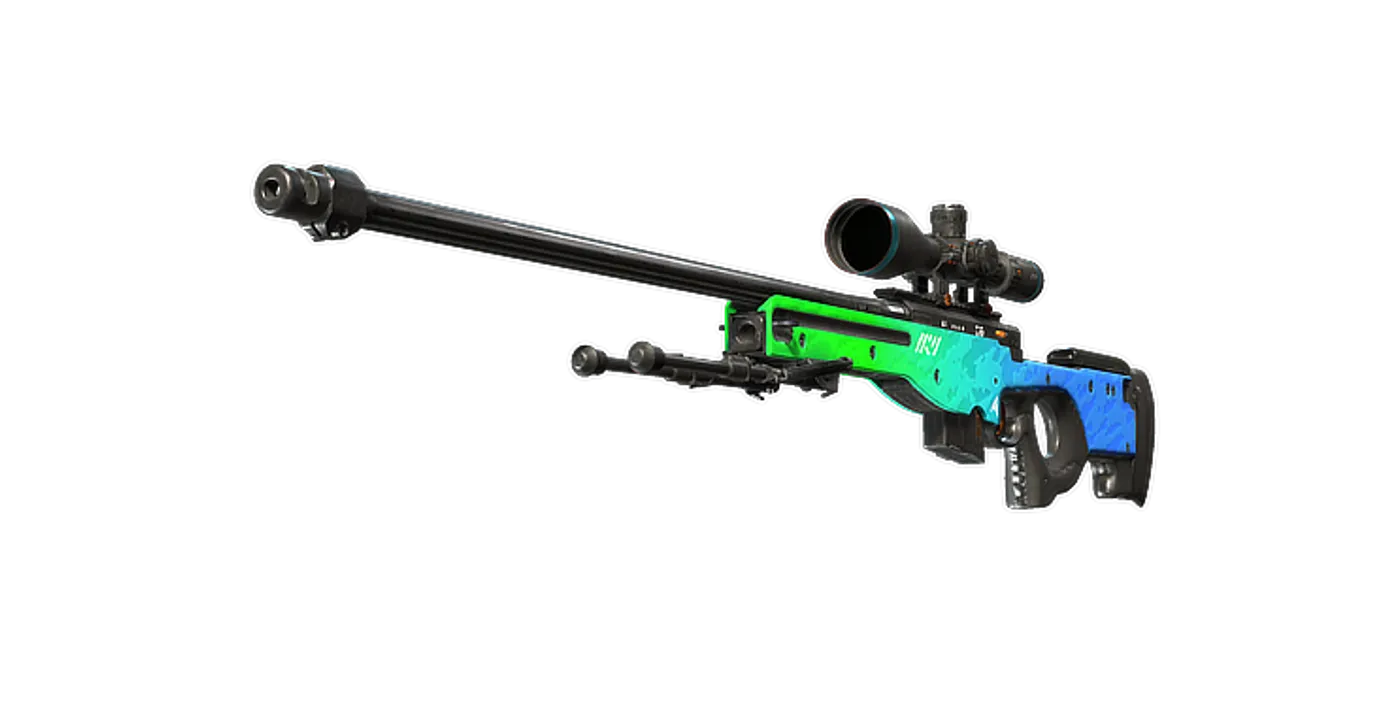
FAQ
Frequently asked
Do I need a 60% keyboard for CS2?
Only if the saved width is useful and you can accept navigation on a function layer. A 75% or TKL retains more dedicated keys and may suit a mixed work-and-gaming desk.