 GEAR
Ranked · 7 picks
Best CS2 keyboard in 2026: 7 picks by size, switch and layout
A CS2 keyboard is bought for three things, in this order: how much desk it leaves for your mouse, whether the switch suits a key you hold rather than tap, and whether the layout matches the one your fingers already know. Actuation distance comes a long way fourth, despite being the only thing on the box. These seven are compared on the first three.
Published 12 November 2026 · Updated 12 November 2026Affiliate links
Compare the shortlist
| # | Photo | Model | Best for | Check first | Where to buy |
|---|---|---|---|---|---|
| 1 | SteelSeries Apex 3 TKL | Players who want a conventional TKL layout and quiet keys rather than adjustable magnetic switches. | Keyboard layout follows the storefront: the French listing is AZERTY, not ANSI | View on Amazon.com | |
| 2 | HyperX Alloy Origins Core | Players who want a straightforward US-QWERTY mechanical TKL layout. | Selected listing uses US QWERTY, so check regional layout carefully | View on Amazon.com | |
| 3 | Corsair K70 CORE | Players who still need a number pad and want conventional linear mechanical keys. | Keyboard layout follows the storefront: the French listing is AZERTY, not ANSI | View on Amazon.com | |
| 4 | Razer Huntsman Mini | Players who want a wired 60% optical keyboard and are comfortable using a function layer. | Keyboard layout follows the storefront: the French listing is AZERTY, not ANSI | View on Amazon.com | |
| 5 | Corsair K65 PLUS WIRELESS | Players who want a compact mechanical keyboard while keeping dedicated arrows and a function row. | Compact spacing takes adjustment from a full-size keyboard | View on Amazon.com | |
| 6 | Keychron V1 Max | Players who share one desk between gaming and typing and want a configurable 75% keyboard. | Keyboard layout follows the storefront: the French listing is AZERTY, not ANSI | View on Amazon.com | |
| 7 | SteelSeries Apex Pro TKL Gen 3 | Players who want magnetic-switch adjustment and a wired French AZERTY TKL layout. | Premium price and configuration effort compared with a conventional TKL | View on Amazon.com |



Desk space first, everything else second
This is the decision that actually changes how you play, and it has nothing to do with switches.
If you use a low sensitivity, your mouse needs room to travel. A full-size keyboard occupies roughly 15 cm that a tenkeyless does not, and that 15 cm is often exactly what your arm is short of at the end of a wide swing. Three of these seven are TKL: the Apex 3 TKL, the Alloy Origins Core and the Apex Pro TKL Gen 3.
Go smaller and the Razer Huntsman Mini gives back more still, at the price of a function layer: no arrow cluster, no F-row, everything reached by holding a modifier. That is a fair trade in-game and an irritating one in a spreadsheet.
The compromise most people end up happy with is 75% — compact, but keeping arrows and a function row. The Corsair K65 PLUS WIRELESS and the Keychron V1 Max are both that shape.
And if you genuinely use the number pad, the K70 CORE is here for exactly that reason. Buying a TKL and then plugging in a separate number pad is not a saving.
The switch, briefly
CS2 holds movement keys rather than tapping them, so the tactile bump most typists like is feedback arriving at a moment you do not need it. That is the whole argument for linear switches, and it is why most of this list is linear.
It is a weaker argument than the internet makes it. Plenty of professionals play on tactile boards, and if the same keyboard does your typing all day, the nicer switch to type on is a legitimate reason to choose it.
Magnetic (Hall-effect) switches are the genuinely different category. The Apex Pro TKL Gen 3 lets you set how far a key travels before it registers, and reset it before it has fully returned. The honest version of what this does: it makes counter-strafing more forgiving. It is a real, narrow benefit, and it is worth paying for only once aim and positioning are no longer what is losing you rounds.
The layout trap, which is not a preference
Keyboard layout follows the storefront, not the page you are reading.
The French Amazon listings for several keyboards on this page are AZERTY. German listings are frequently QWERTZ — the Corsair K65 RGB Mini is a documented case where the French offer is a German-layout board. A product page can be entirely accurate about the model and still describe a layout you will not receive.
Check the layout in the listing title before ordering, every time. It is the most common reason a keyboard goes back, and no amount of reading on this site can substitute for the line on the Amazon page you are actually buying from.
What a keyboard will not do
It will not fix a sensitivity that overshoots, and that is a far more common problem than a slow switch. If your crosshair lands past the target, the sensitivity and eDPI guide is the free fix.
For the full reasoning on sizes, the layout comparison goes deeper into 60% versus 75% versus TKL, and the keyboard buying guide covers switches at length. If desk space is your real constraint, the mouse shape and surface guide is the other half of that problem.
SteelSeries Apex 3 TKL
SteelSeries
A straightforward TKL option when you want to keep arrows and function keys without buying a premium analogue keyboard. Its quiet switches are not the same as the mechanical or magnetic switches in the Apex Pro line.
- Format
- Tenkeyless
- Switches
- Whisper Quiet
- Connection
- Wired USB
- TKL format keeps arrows and the function row
- Dedicated multimedia controls
Keyboard layout follows the storefront: the French listing is AZERTY, not ANSI
HyperX Alloy Origins Core
HyperX
A conventional mechanical TKL choice when you want to keep the function row and arrow keys while freeing mouse space. The selected listing is US QWERTY with HyperX Red switches, not French AZERTY.
- Layout
- US QWERTY TKL
- Switches
- HyperX Red linear
- Connection
- Wired USB
- TKL layout keeps arrow keys while removing the number pad
- Linear HyperX Red mechanical switches
Selected listing uses US QWERTY, so check regional layout carefully
Corsair K70 CORE
Corsair
K70 CORE is worth comparing if the keyboard also handles spreadsheets, shortcuts or regular number entry. Keeping the number pad may be more useful than copying a compact esports setup that does not suit your daily work.
- Format
- Full-size
- Switches
- MLX Red linear
- Lighting
- RGB
- Full-size layout keeps the number pad
- MLX Red linear mechanical switches
Keyboard layout follows the storefront: the French listing is AZERTY, not ANSI
Razer Huntsman Mini
Razer
Huntsman Mini is useful when desk space is the problem and a function layer is acceptable. Side-printed secondary legends help with navigation, but the smaller layout still changes how you type and use shortcuts.
- Format
- 60%
- Switches
- Optical, variant dependent
- Cable
- Detachable USB-C
- 60% footprint leaves more desk width
- Double-shot PBT keycaps with secondary legends
Keyboard layout follows the storefront: the French listing is AZERTY, not ANSI
Corsair K65 PLUS WIRELESS
Corsair
A 75% keyboard is a useful middle ground when a 60% board would hide too many everyday keys. K65 PLUS retains arrows and utility keys, reducing width without turning all navigation into a layer shortcut.
- Format
- 75%
- Connection
- Wireless
- Control
- Multi-function dial
- 75% layout preserves useful navigation keys
- Multi-function dial for supported desktop controls
Compact spacing takes adjustment from a full-size keyboard
Keychron V1 Max
Keychron
V1 Max is a flexible desk keyboard if you want to choose switch feel and remap everyday keys. Its compact format keeps arrows, and the manufacturer distinguishes the 2.4 GHz connection from Bluetooth for multi-device use.
- Format
- 75%, layout by store
- Connection
- 2.4 GHz / Bluetooth / wired
- Customisation
- QMK / Launcher
- 75% layout with knob
- Hot-swappable switches on the specified model
Keyboard layout follows the storefront: the French listing is AZERTY, not ANSI
SteelSeries Apex Pro TKL Gen 3
SteelSeries
A configurable Hall-effect TKL for players who want to tune actuation and retain physical navigation keys. This selection is the wired Gen 3 French AZERTY version, not the wireless model.
- Layout
- French AZERTY TKL
- Switches
- OmniPoint 3.0 magnetic
- Connection
- Wired USB-C
- OmniPoint 3.0 magnetic switches with adjustable actuation
- OLED control display and TKL footprint
Premium price and configuration effort compared with a conventional TKL
Season 1 · CS2 skin giveaway
Classified · Sniper Rifle
AWPIce Coaled
Field-Tested
One skin, given away every month to subscribers of the YouTube and TikTok channels. Free to enter, no purchase, no gear required.
Claim your ticket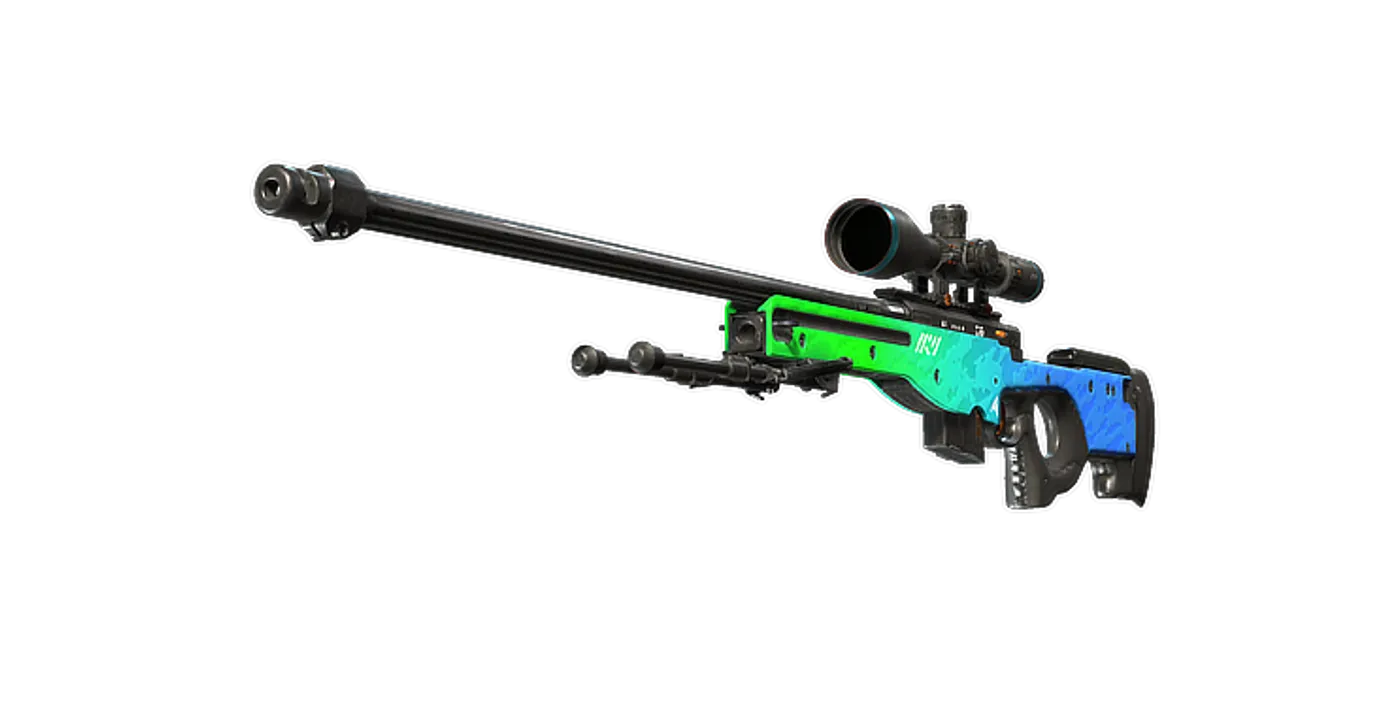
FAQ
Frequently asked
What size keyboard is best for CS2?
Tenkeyless, for most players. Removing the number pad gives back roughly 15 cm of desk, which is the difference between a comfortable low-sensitivity sweep and clipping your keyboard mid-flick. A 60% gives back more and costs you the arrow and function keys, which you then reach through a layer. Full-size is only right if you genuinely use the number pad.
Does rapid trigger or adjustable actuation make you better at CS2?
It makes counter-strafing more forgiving, which is a real and narrow benefit. It will not improve your aim, your positioning or your utility, and those lose far more rounds. It is a worthwhile feature if everything else in your game is already solid, and an expensive distraction if it is not.
Linear or tactile switches for CS2?
Linear, by convention, because CS2 movement keys are held rather than tapped and a tactile bump is feedback you do not need mid-strafe. That said, the preference is genuinely a preference — plenty of professional players use tactile boards. If you type as much as you play, a tactile switch is usually the nicer daily companion.
Will I get an AZERTY or QWERTY keyboard?
It follows the Amazon storefront you buy from, not the product page you read. The French listings for several keyboards here are AZERTY and the German ones are QWERTZ, even where the model is described in English as ANSI. Check the layout in the listing title before ordering — it is the single most common returned-item mistake in this category.
Is a wireless keyboard a problem for CS2?
No. Unlike a mouse, a keyboard is stationary and its input rate is trivial, so wireless adds nothing you can feel. The only real costs are charging and a slightly higher price for the same build. If a cable behind the keyboard bothers you, wireless is a free choice here.
Do I need an 8000 Hz polling rate?
No, and it is not free. High polling rates measurably increase CPU load, and in CS2 on a modest machine that can cost frames — which is a worse trade than the input timing it buys. 1000 Hz has been the standard for years and is not a bottleneck for any human.