 GEAR
Ranked · 7 picks
Best budget CS2 mouse in 2026: 7 picks that are not the flagship
A flagship mouse buys you a lighter shell, a newer sensor and a wireless link measured in grams of battery. None of those three is the reason anyone misses a shot. These seven cheaper options are compared on the things that actually change how a mouse feels — shape, weight, grip width and whether a cable is in your way — and on what each one genuinely gives up.
Published 12 November 2026 · Updated 12 November 2026Affiliate links
Compare the shortlist
| # | Photo | Model | Best for | Check first | Where to buy |
|---|---|---|---|---|---|
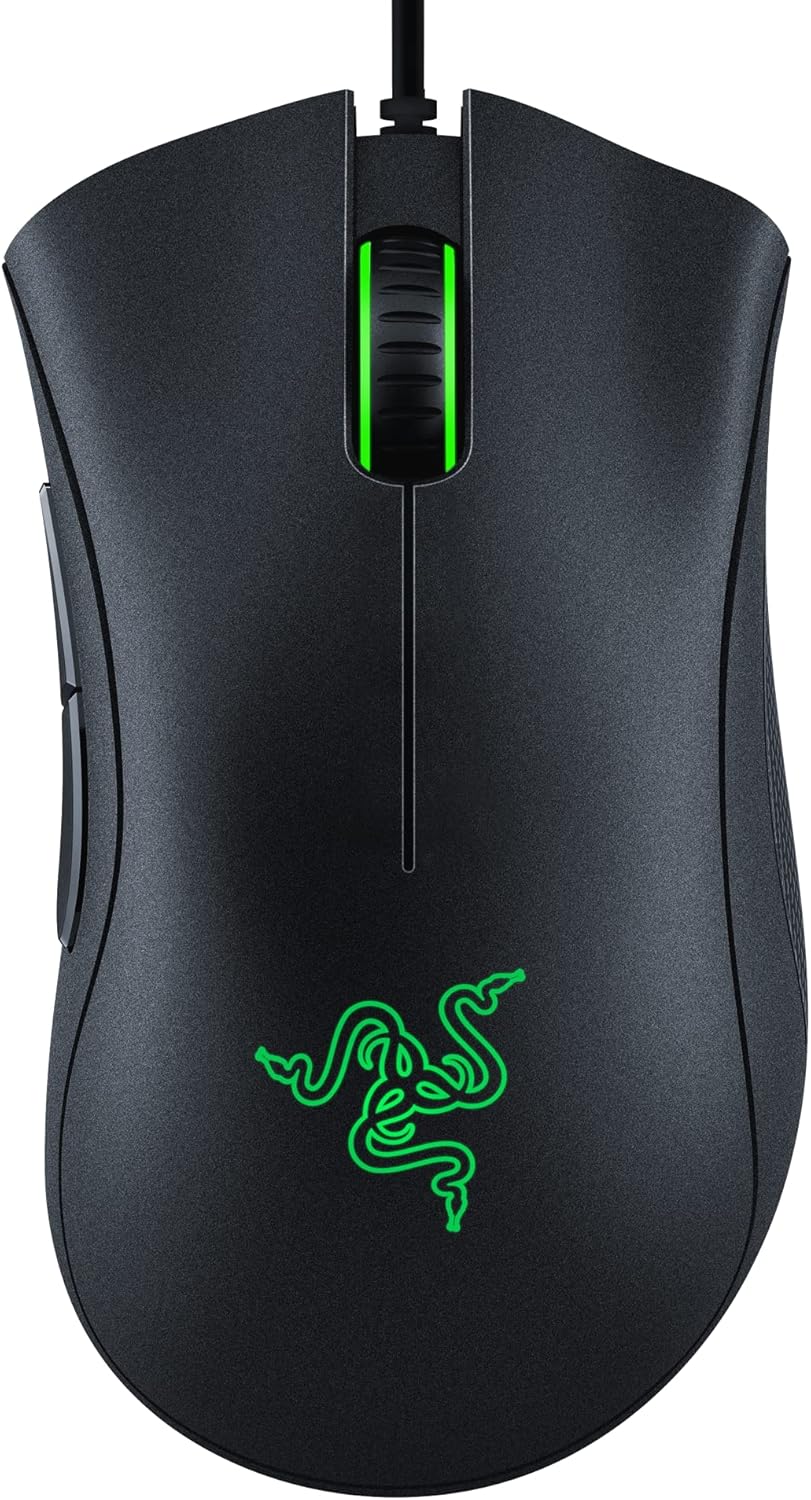
| 1 | Razer DeathAdder Essential | Players replacing a basic office mouse who prefer a conventional right-handed wired shape. | Older mechanical-switch design rather than the newer DeathAdder V3 platform | View on Amazon.com | |
| 2 | Logitech G305 LIGHTSPEED | Players who want an affordable compact wireless mouse with a replaceable battery. | The stated 99 g weight is heavier than the ultralight alternatives | View on Amazon.com | |
| 3 | Razer Cobra Wired | Players who prefer a compact shell and do not mind routing a mouse cable. | Fixed cable requires enough slack across the full mousepad | View on Amazon.com | |
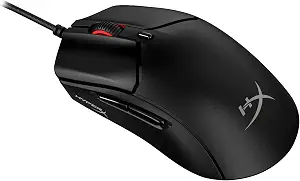
| 4 | HyperX Pulsefire Haste 2 Wired | Players who want a lightweight wired mouse and prefer a conventional symmetrical shell. | The attached cable still needs enough room across the mousepad | View on Amazon.com | |
| 5 | Razer Basilisk V3 X HyperSpeed | Right-handed players who want the Basilisk style with wireless connectivity. | Not the wired Basilisk V3 with the same scrolling feature set | View on Amazon.com | |
| 6 | Razer Orochi V2 | Players with a portable setup who want a compact wireless mouse and replaceable batteries. | The stated sub-60 g shell weight excludes the battery | View on Amazon.com | |
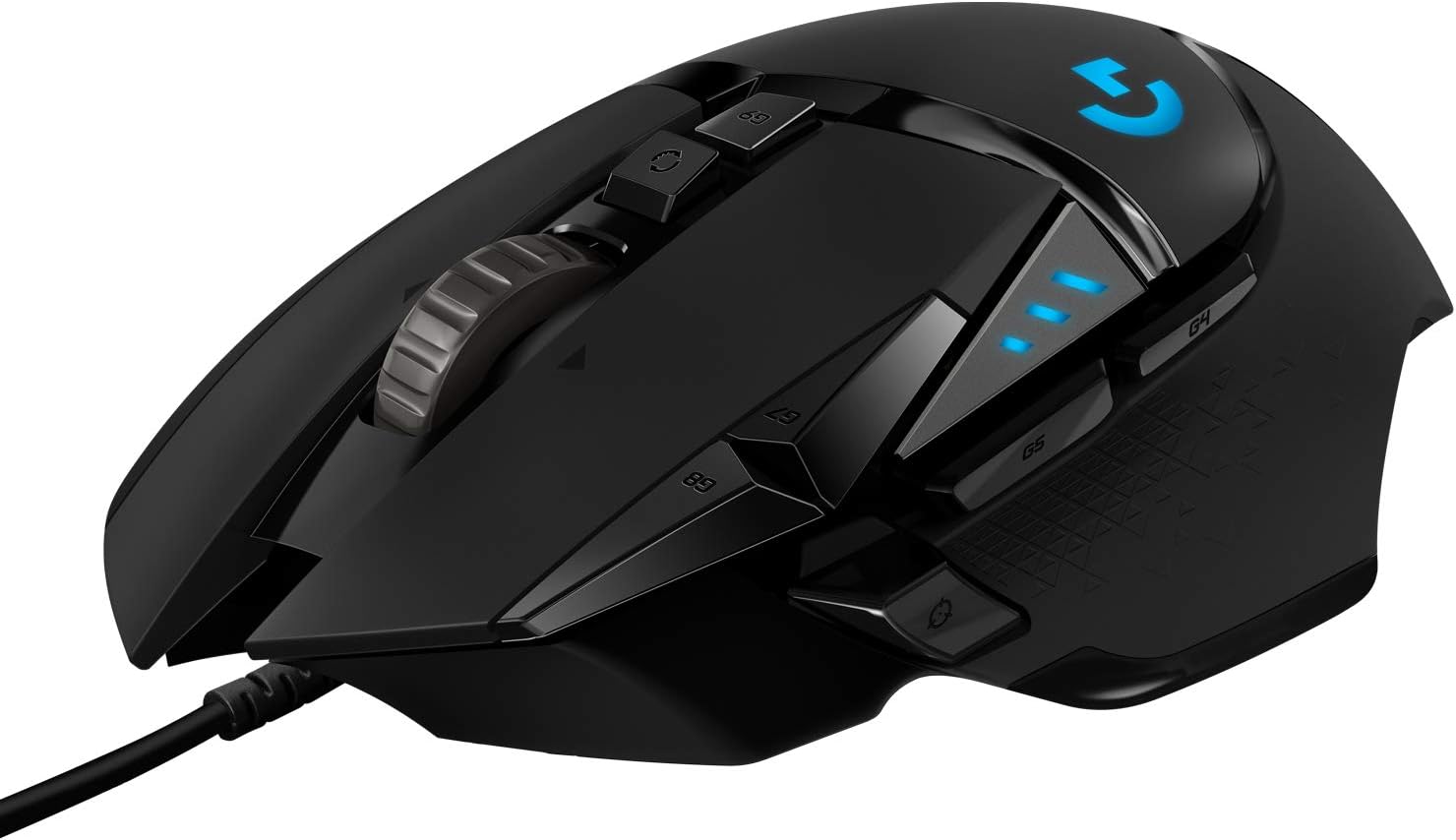
| 7 | Logitech G502 HERO | Players who value a substantial shell, extra thumb controls and a dual-mode scroll wheel. | A weighted control-heavy design is different from an ultralight FPS mouse | View on Amazon.com |




What you are actually giving up
A flagship mouse in 2026 is around 55 to 60 g, carries the newest sensor and charges over USB-C. A cheaper one is usually 20 to 30 g heavier, uses a sensor one or two generations back, and may run on a replaceable AA cell instead.
Only the first of those three changes anything you can feel. A 30 g difference is real in the hand. A sensor generation is not: the previous-generation sensors in every mouse on this page already track faster than any human arm moves, and the specification sheets compete on numbers that stopped mattering several years ago.
So the honest version of this comparison is not “which is the best cheap mouse”. It is: which shape fits your hand, and can you live with the weight and the cable.
Start with the shape, not the price
You rest your whole hand on the mouse (palm grip): the DeathAdder Essential is the standard answer and has been for a decade — a tall right-handed hump that fills the palm. The G502 HERO is the same idea with far more buttons and considerably more weight; it is a desk mouse that also plays, not a light esports shell.
You hold it with your fingertips, or arch your fingers over it (claw and fingertip): the Razer Cobra and the HyperX Pulsefire Haste 2 are the two to compare. Both are small symmetrical wired shells in the light end of this list.
You want a small mouse for a small desk or a laptop bag: the Orochi V2 is noticeably shorter than the rest here. Check its length against your current mouse before ordering — people regularly buy it expecting a full-size shell.
The cable question, settled
You want wireless without a charging routine: the G305 LIGHTSPEED runs on a single AA battery. That is the whole argument for it. It is heavier than a rechargeable mouse because the cell is heavier, and it never stops working at the wrong moment because you can swap the cell in ten seconds.
You want wireless and extra thumb buttons: the Basilisk V3 X HyperSpeed is the one on this page that carries both.
You do not mind a cable: buy wired. A wired mouse at this price is lighter and cheaper than the wireless equivalent, because you are not paying for a cell and a receiver. The drag is a real annoyance over a long session; whether it beats charging is a question about you, not about the hardware.
What none of these will do
None of these mice will make footsteps easier to place, and none will fix a sensitivity that does not suit your pad. If your crosshair consistently lands past the target, that is an eDPI and pad-width problem, not a hardware one, and a new mouse will reproduce it faithfully.
If you are replacing a mouse that already fits your hand, measure it first. The shape and surface guide explains which dimensions are worth comparing, and the full mouse comparison covers the flagship options if you decide the weight is worth paying for.
Razer DeathAdder Essential
Razer
The Essential is a basic entry point for someone who needs a familiar ergonomic shell. Consider it when the actual offer is meaningfully cheaper than newer alternatives; a large maximum DPI number is not the reason to choose it.
- Connection
- Wired USB
- Sensor
- 6,400 DPI optical
- Controls
- 5 programmable buttons
- Five remappable buttons
- Wired operation avoids battery management
Older mechanical-switch design rather than the newer DeathAdder V3 platform
Logitech G305 LIGHTSPEED
Logitech
A practical wireless choice if you prefer a replaceable AA battery to charging cables. Its compact shell suits some claw and fingertip grips, but the stated 99 g weight is substantially higher than modern ultralight mice.
- Connection
- LIGHTSPEED 2.4 GHz
- Power
- One AA battery
- Weight
- 99 g (manufacturer)
- Replaceable AA battery avoids a built-in battery charging routine
- Compact shell and receiver storage make it easy to carry
The stated 99 g weight is heavier than the ultralight alternatives
Razer Cobra Wired
Razer
A compact wired option when you want a lighter shell without paying for a rechargeable wireless mouse. Razer specifies 58 g excluding the cable; the Amazon title and description disagree, so the manufacturer figure is used here.
- Connection
- Wired USB
- Weight
- 58 g, excluding cable
- Sensor
- 8,500 DPI optical
- Compact wired design avoids charging and receiver management
- Optical switches and a flexible attached cable
Fixed cable requires enough slack across the full mousepad
HyperX Pulsefire Haste 2 Wired
HyperX
A 53 g wired option for players who want a light shell without charging or receiver management. Check the shape against your current mouse before paying for maximum polling capability.
- Connection
- Wired USB
- Weight
- 53 g (manufacturer)
- Polling
- Up to 8,000 Hz
- Manufacturer-stated 53 g design
- Flexible HyperFlex 2 cable and included grip tape
The attached cable still needs enough room across the mousepad
Razer Basilisk V3 X HyperSpeed
Razer
Choose this variant because you want the wireless Basilisk layout. The observed American listing identifies nine controls and an 18K optical sensor; do not copy specifications from the visually similar wired V3.
- Connection
- Wireless
- Sensor
- 18K optical
- Controls
- 9 programmable controls
- Nine programmable controls
- Wireless design with a sculpted thumb-rest shell
Not the wired Basilisk V3 with the same scrolling feature set
Razer Orochi V2
Razer
Orochi V2 makes sense when portability and a short shell are deliberate priorities. The battery choice changes the real operating weight; compare a complete mouse with battery against other ready-to-use mice.
- Connection
- 2.4 GHz / Bluetooth
- Power
- One AA or AAA battery
- Sensor
- 18K DPI optical
- 2.4 GHz HyperSpeed and Bluetooth connections
- Accepts one AA or AAA battery
The stated sub-60 g shell weight excludes the battery
Logitech G502 HERO
Logitech
G502 HERO is a useful mixed gaming-and-work choice if its button layout suits you. Start without the optional weights and add them only if you prefer the resulting balance; more weight is a preference rather than a performance upgrade.
- Connection
- Wired USB
- Sensor
- HERO 25K
- Weights
- Up to five 3.6 g weights
- Eleven programmable buttons
- Removable weights let you adjust balance
A weighted control-heavy design is different from an ultralight FPS mouse
Season 1 · CS2 skin giveaway
Classified · Sniper Rifle
AWPIce Coaled
Field-Tested
One skin, given away every month to subscribers of the YouTube and TikTok channels. Free to enter, no purchase, no gear required.
Claim your ticket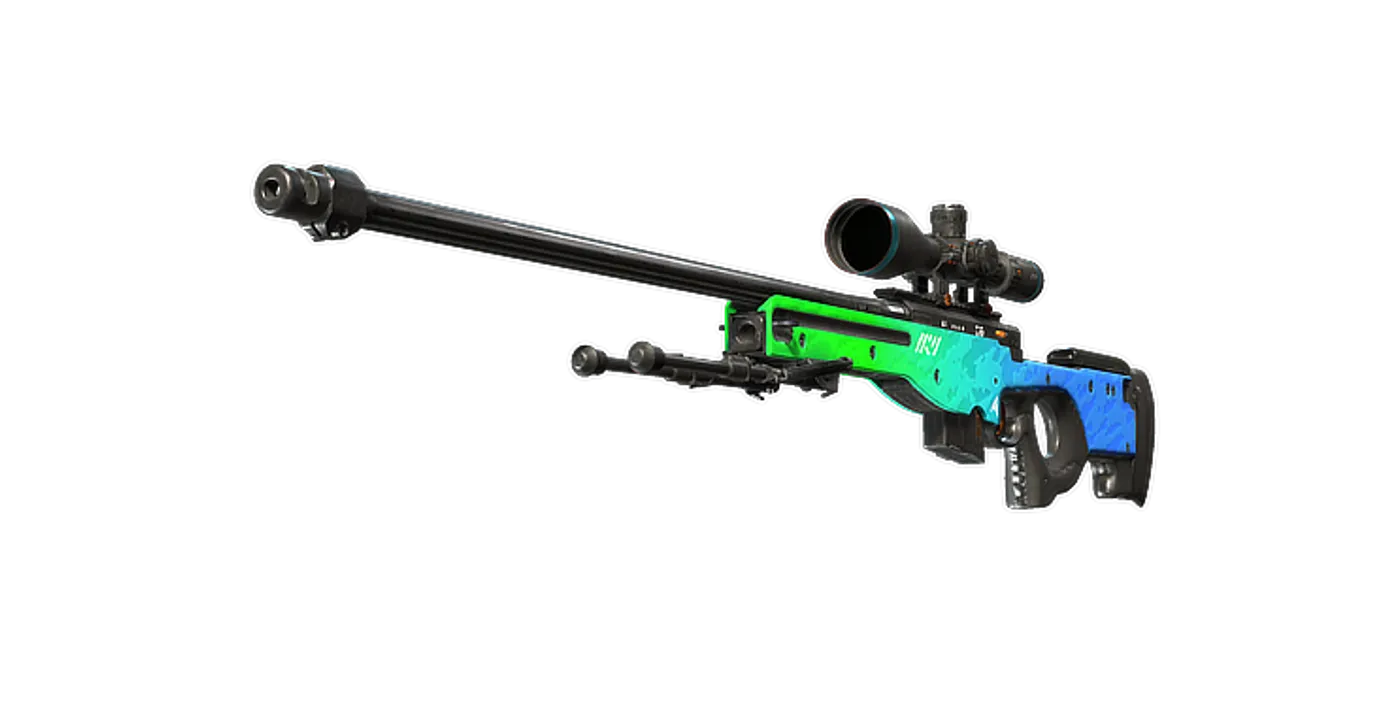
FAQ
Frequently asked
Does an expensive mouse make you better at CS2?
No. The measurable differences between a cheap and an expensive mouse are weight, sensor ceiling and polling rate, and none of them is a limit on human aim at the level most players are at. Shape and grip fit change how consistently you can perform the same motion, and those are not a function of price.
Is a wired mouse better than wireless for CS2?
For latency the difference is no longer meaningful on current wireless receivers. What a cable genuinely costs you is drag across the pad, and what wireless costs you is charging and a little weight from the cell. Choose on which of those two annoyances you would rather live with.
What weight should a budget CS2 mouse be?
There is no correct number. Lighter mice are easier to flick and harder to hold steady; heavier mice are the reverse. The useful comparison is against whatever you use now — if your current mouse feels unwieldy, go lighter; if your crosshair overshoots, do not.
Do I need a high polling rate?
1000 Hz is the long-standing standard and is not a bottleneck. The 4 kHz and 8 kHz modes on newer mice measurably increase CPU load, and in CS2 that can cost frames on a modest machine. It is a feature to understand before paying for it, not a specification to rank by.
Which grip does each of these suit?
Ergonomic right-handed shells like the DeathAdder Essential and G502 HERO suit palm grip. Smaller symmetrical shells like the Cobra and Pulsefire Haste 2 suit claw and fingertip. The Orochi V2 is short enough that most players end up in fingertip on it regardless of intention.