GEARFPS.COM

2 ranked

The Best Gaming Mouse for CS2

Every mouse sold as competitive today has a sensor good enough for Counter-Strike, so the sensor is not how you choose one. What separates them is duller: weight, whether the shape fits your grip, and how predictably the mouse stops.

Affiliate links

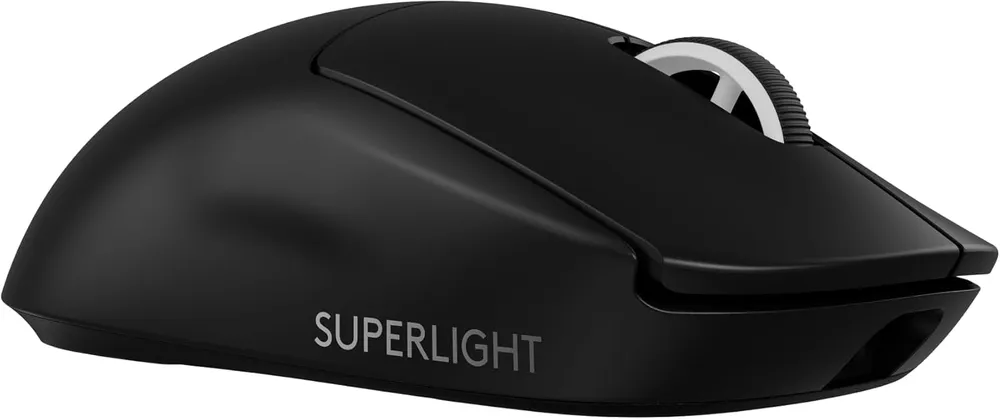
  1. G Pro X Superlight 2

    Logitech G

    Sixty grams, a wireless link nobody has beaten on latency, and 8 kHz polling. This is the mouse the professional field converged on, and the reasons are boring in the best way.

    Weight
    60 g
    Sensor
    HERO 2, 44 000 DPI
    Polling
    up to 8 kHz
    Charging
    USB-C
    • Sixty grams with no honeycomb shell — the weight comes out of the internals, not out of holes you can feel
    • LIGHTSPEED wireless measures faster end-to-end than most wired mice, which retires the cable argument entirely

    No side buttons on the right flank, so left-handed players and anyone who binds four thumb keys is out

    Check Price on Amazon →Full review
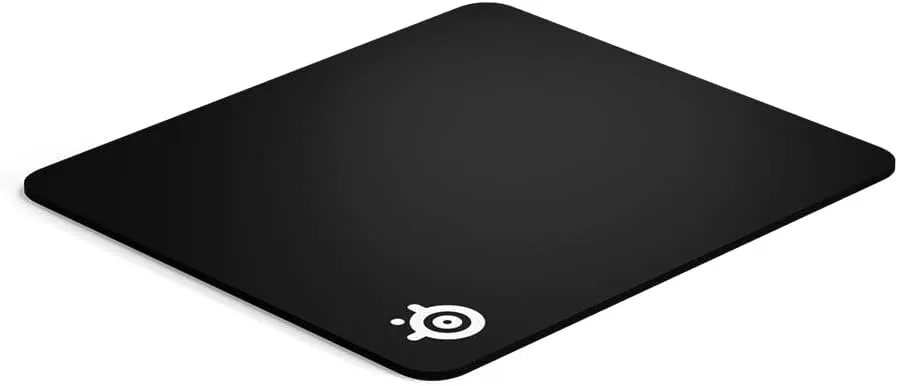
  2. QcK Heavy L

    SteelSeries

    The pad that has been under professional mice for two decades, in its thick version. Six millimetres absorbs an uneven desk; it also raises the whole surface, which is the part nobody warns you about.

    Size
    450 × 400 mm
    Thickness
    6 mm
    Surface
    Micro-woven cloth
    Base
    Non-slip rubber
    • Six millimetres flattens a warped or slotted desk, so the sensor sees one consistent surface
    • Micro-woven cloth gives control-grade friction that stays predictable as it wears in

    That thickness raises your wrist by 6 mm — on a desk already at the right height it forces a slight wrist extension

    Check Price on Amazon →Full review

Before you buy

What actually decides this

  1. Weight

    Under 70 g is the modern competitive standard, and the reason is not speed — it is that a lighter mouse takes less effort to stop and reverse, which is most of what aiming in Counter-Strike consists of. Below about 50 g the returns flatten, and some shells get there by removing material you can feel flexing.

  2. Shape and grip

    The one thing you cannot read off a spec sheet, and the one that decides whether you keep the mouse. Palm, claw and fingertip grips want different hump positions and lengths. If you can, measure your hand from wrist crease to middle fingertip and check it against the shape before buying.

  3. Wireless or cable

    A current 2.4 GHz gaming dongle measures as fast as a cable, sometimes faster. The cable argument is over. Bluetooth is a different technology and is not for playing. Budget a charge roughly once a week.

  4. Polling rate

    1000 Hz means the mouse reports every millisecond, and it is the right default. 4 kHz and 8 kHz shave a fraction of that off, but raise CPU interrupt load enough to cost frames on a mid-range machine — which is a worse trade than the latency it saves.

  5. Feet and grip tape

    PTFE feet wear down, and most players end up adding grip tape to a smooth shell. Both are consumables. Assume you will spend a little more than the sticker price over the life of the mouse.

Why the sensor stopped being the answer

For most of the history of this hobby, choosing a mouse meant choosing a sensor. That question is closed. Every flagship sensor shipping today — Logitech’s HERO line, PixArt’s 339x and 395x families, Razer’s Focus Pro — tracks accurately past any speed a human arm produces, with no smoothing and no angle snapping. The differences that remain are below the threshold at which anyone has demonstrated a change in performance.

This is inconvenient for marketing, which is why the numbers on the box have grown to 26,000 DPI and beyond. Those figures describe a capability nobody uses. A player at 400 DPI is using one sixty-fifth of a 26K sensor’s range, and turning it up does not make anything more precise — it makes the same hand tremor cover more pixels.

So the sensor is a pass/fail check, not a ranking criterion. Once it passes, the things left over are physical: mass, shape, and how the mouse behaves when you stop moving it.

Weight, and the point where it stops mattering

Counter-Strike aiming is mostly deceleration. You are not tracking a target across the screen for seconds at a time; you are making a short movement and arresting it exactly. Mass resists that, so lighter mice are easier to stop precisely, and that is the whole of the argument.

It is a real effect and a large one down to about 60 g. Below that it flattens, and past roughly 50 g the manufacturer has usually started removing structure to get there. Honeycomb shells save grams by cutting holes in the part your hand grips; some flex audibly, and a shell that creaks under a claw grip is a distraction that costs more than the ten grams saved.

The useful version of this rule: get under 70 g, prefer a solid shell to a perforated one at the same weight, and stop caring after that.

Shape is the decision you actually make

Everything above is comparable between mice. Shape is not, and it is the reason people keep or abandon a mouse.

Grip style sets what you want. A palm grip rests the whole hand on the shell and wants a pronounced rear hump that fills the space under the palm. A claw grip arches the fingers and lifts the palm partly off, wanting a shorter shell with a hump further forward. A fingertip grip touches only at the fingers and wants something small and light enough to move without wrist involvement.

Hand length matters more than most buyers expect. Measure from the wrist crease to the tip of the middle finger. Under about 17 cm, most full-size shapes will feel long and you will end up gripping the back of the mouse. Over about 20 cm, small ambidextrous shapes leave your palm unsupported.

There is no substitute for holding one, and no review — including ours — can tell you what your hand prefers. What a review can tell you is which shapes are safe bets: a neutral ambidextrous shell suits the widest range of hands, and a right-handed ergonomic shell suits palm and relaxed claw grips better than any symmetric design does.

The surface is half the system

A mouse and a mousepad are one instrument, and buying a good mouse to put on a worn or undersized pad wastes most of what you paid for.

Counter-Strike is played at low sensitivity, which means large physical movements, which means you need room. A 180 degree turn at a typical Counter-Strike eDPI takes most of a forearm sweep. If that sweep runs off the edge of the pad mid-fight, the pad is too small — 450 x 400 mm is a sensible floor, and larger is easy to justify.

The other axis is speed against control. Fast surfaces glide further for the same effort; control surfaces resist more and stop more predictably. For a game built on stopping accurately, control is the right default. A thicker cloth pad also forgives an uneven desk, which is worth more than it sounds if you play on something that is not perfectly flat.

Pads are consumables. Cloth compresses and the surface polishes where your hand rests; when the glide feels different in the middle than at the edges, it is finished.

What we would ignore

RGB. It is on the underside of your hand.

Onboard profiles, unless you carry the mouse to LAN events. Counter-Strike needs one DPI step and one polling rate, set once.

Software features that promise better aim. Angle snapping, smoothing and prediction all modify your input to look tidier, and every one of them puts distance between your hand and the crosshair. Turn them off.

Very high DPI presets. See above — you will use 400 or 800.

FAQ

Mouse & Surface questions

Does a lighter mouse actually improve your aim?

It improves your ability to stop and change direction, which is where most aiming errors in Counter-Strike come from. It does not improve your crosshair placement or your timing. Going from 100 g to 60 g is a change you will feel within a session; going from 60 g to 50 g is one most people cannot pick out in a blind test.

Is a wireless mouse slower than a wired one for CS2?

No. Current 2.4 GHz gaming receivers measure equal to or better than USB polling over a cable, and every top-level professional field has converged on wireless. This is only true of a dedicated dongle — Bluetooth is a different protocol with latency that is unsuitable for competitive play.

Is 8000 Hz polling worth it?

Rarely. It reduces the time between mouse movement and the game reading it by a fraction of a millisecond, but generating eight thousand reports a second raises CPU interrupt load noticeably. On anything short of a strong CPU paired with a very high refresh monitor, you lose more in frames than you gain in latency. 1000 Hz is the sane default.

What DPI should I use in CS2?

400 or 800 DPI, then set your in-game sensitivity to reach the eDPI you want. eDPI is DPI multiplied by in-game sensitivity, and it is the only figure worth comparing between players. Most professional configurations sit in a fairly narrow band, roughly 400 to 1600 eDPI, which is far lower than most new players start at.

Do I need a 26,000 DPI sensor?

No. Nobody plays above about 1600 DPI, so the headline number on the box describes a capability you will never use. What matters is that the sensor applies no smoothing, no angle snapping, and holds a consistent lift-off distance. Every current flagship sensor does all three.

How big should a CS2 mousepad be?

Large enough that a 180 degree turn does not run off the edge at your sensitivity. At the low eDPI most Counter-Strike players use, that means at least 450 x 400 mm, and many go larger. If you are choosing between glide and stopping power, take stopping power — control cloth suits low sensitivity better than a fast surface does.

Also picked

The rest of the setup

Read next

Guides that go with this

Full build

The complete setup

This category in context, ranked against every other piece of the setup.

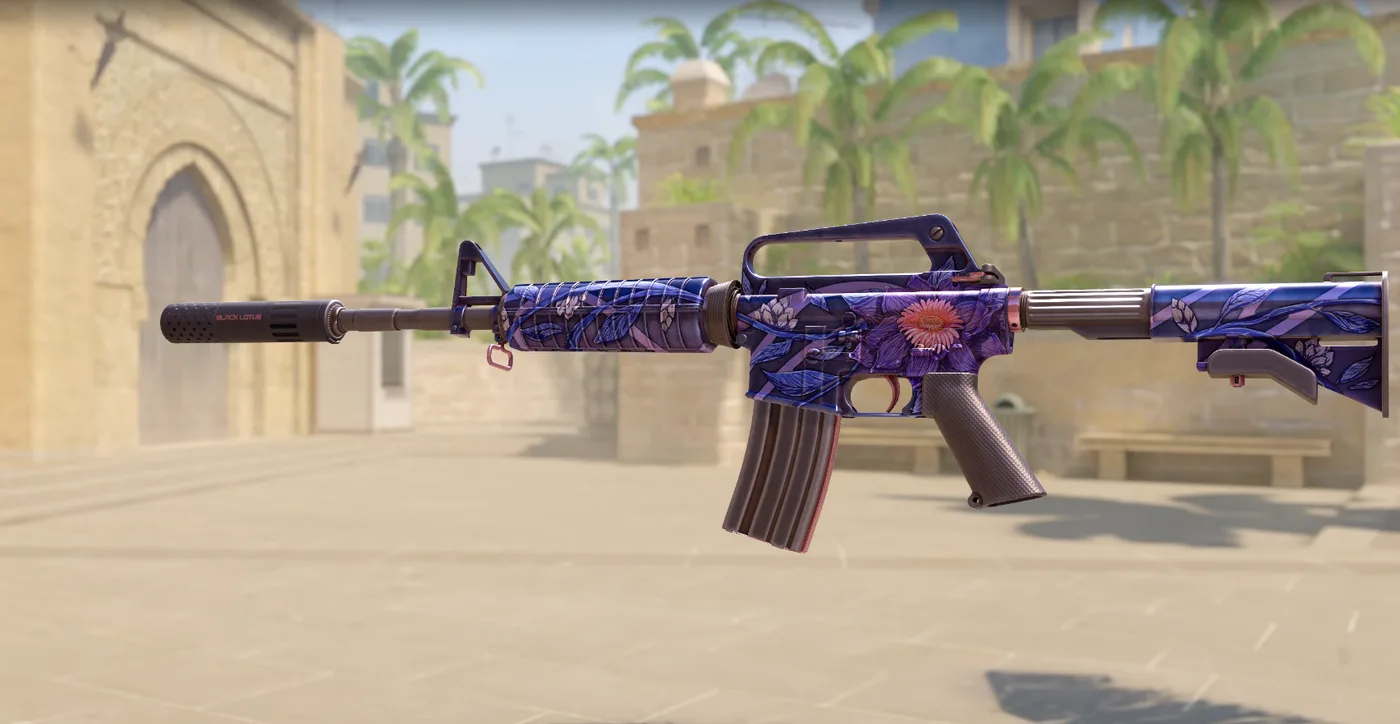
Season 1 · CS2 skin giveaway

CS2 Rifle

M4A1-SBlack Lotus

Field-Tested

One skin, given away every month to subscribers of the YouTube and TikTok channels. Free to enter, no purchase, no gear required.

Claim your ticket

Win a CS2 M4A1-S Black Lotus this month. Free entry for subscribers + daily tickets on Daily Duel.

Enter Free →Daily Duel
YouTube· TikTok