The gear desk of MemeOrKick

GEARFPS.COM

4 ranked

The Best Gaming Monitor for CS2

Refresh rate is the one specification on the box that changes what you can see. Almost everything else printed next to it — response time, contrast, curvature, resolution — is either marketing or a matter of taste.

Affiliate links

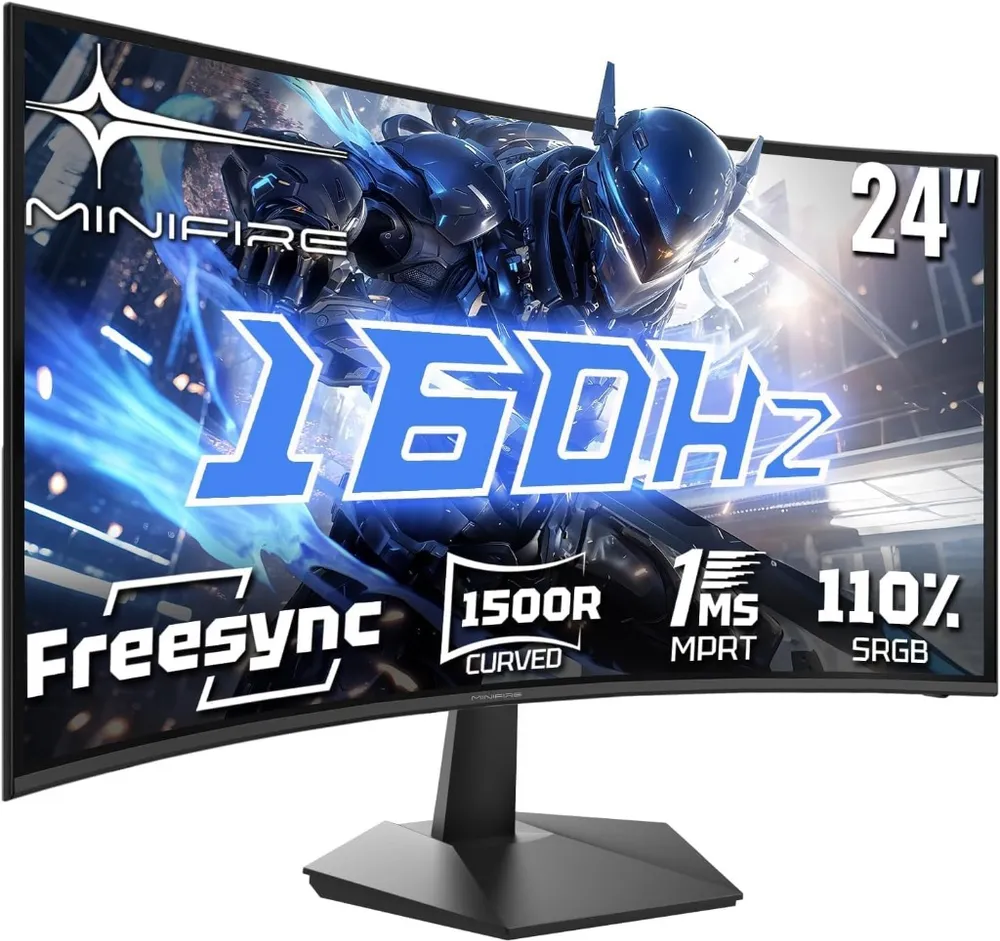
  1. Minifire 24" 160Hz

    Minifire

    An ultra-accessible entry point into 160Hz gaming. The 1500R curve wraps around your field of view while the 1ms response time keeps motion smooth during fast CS2 counter-strafes.

    Refresh Rate
    160 Hz
    Response Time
    1 ms MPRT
    Curvature
    1500R Curved
    Resolution
    1920 × 1080 FHD
    • 160Hz refresh rate delivers fluid motion for budget FPS setups under €110
    • 1500R curvature increases immersion and reduces edge eye-strain during long sessions

    Curved panels are less ideal for secondary productivity tasks like spreadsheets

    View on AmazonFull review
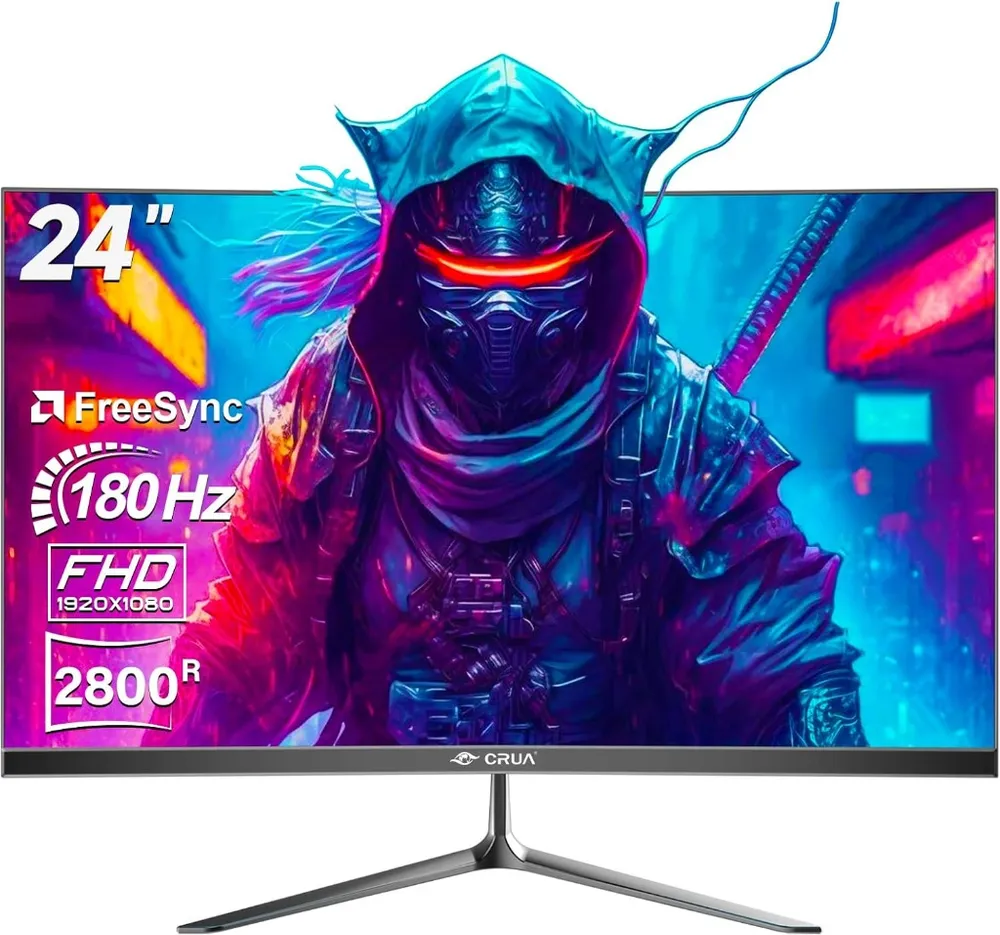
  2. CRUA 24" 180Hz

    CRUA

    Pushing refresh rates to 180Hz gives competitive players extra motion smoothness for fast crosshair flicks. The subtle 2800R curve provides wide viewing angles without distortion.

    Refresh Rate
    180 Hz
    Response Time
    1 ms MPRT
    Curvature
    2800R Curved
    Resolution
    1920 × 1080 FHD
    • 180Hz refresh rate gives an edge over standard 144Hz displays in fast tactical shooters
    • DisplayPort and HDMI inputs make dual-device switching seamless

    Built-in speakers are basic; dedicated headsets or speakers are recommended

    View on AmazonFull review
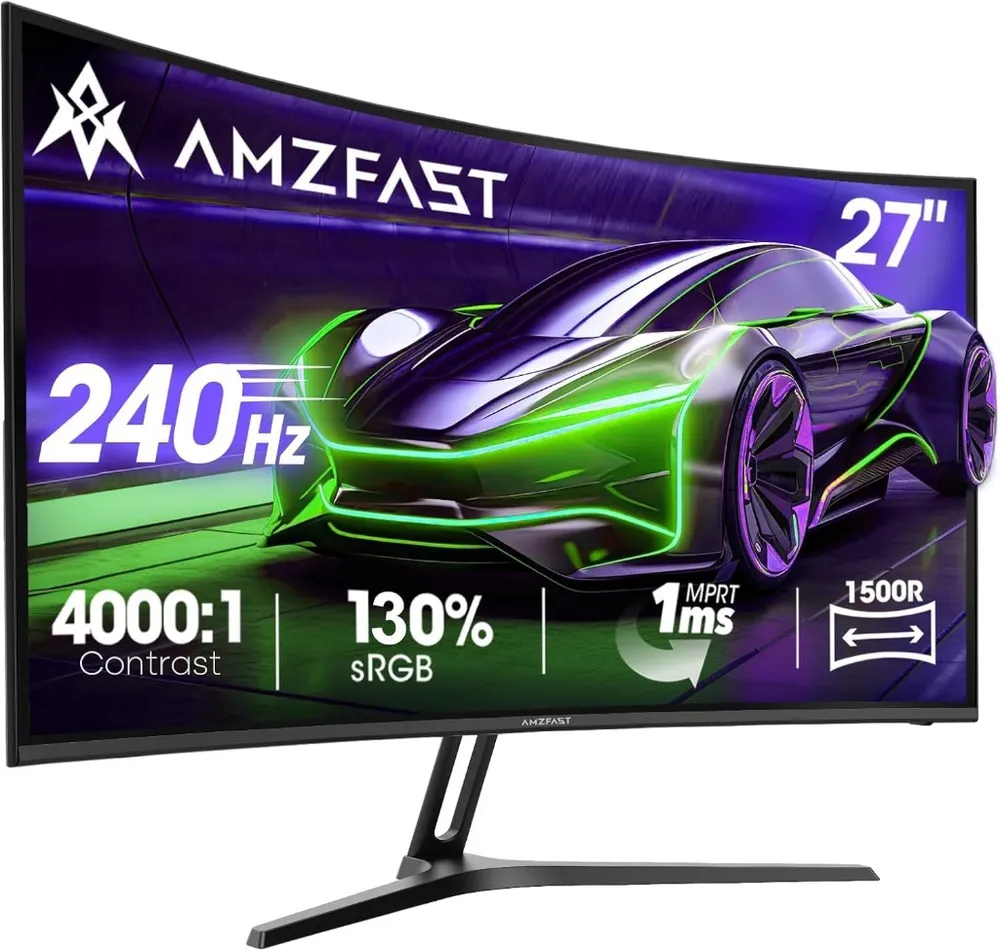
  3. AMZFAST 27" 240Hz

    AMZFAST

    240Hz speed on a large 27-inch curved panel. Deep 4000:1 contrast ratio makes dark corners in CS2 maps like Mirage and Anubis much easier to spot enemies in.

    Refresh Rate
    240 Hz
    Response Time
    1 ms MPRT
    Contrast Ratio
    4000:1
    Screen Size
    27 inch 1080p
    • 240Hz refresh rate delivers tier-1 tournament motion fluidity
    • High 4000:1 static contrast provides deep blacks and high shadow visibility

    27-inch at 1080p has lower pixel density than 1440p panels

    View on AmazonFull review
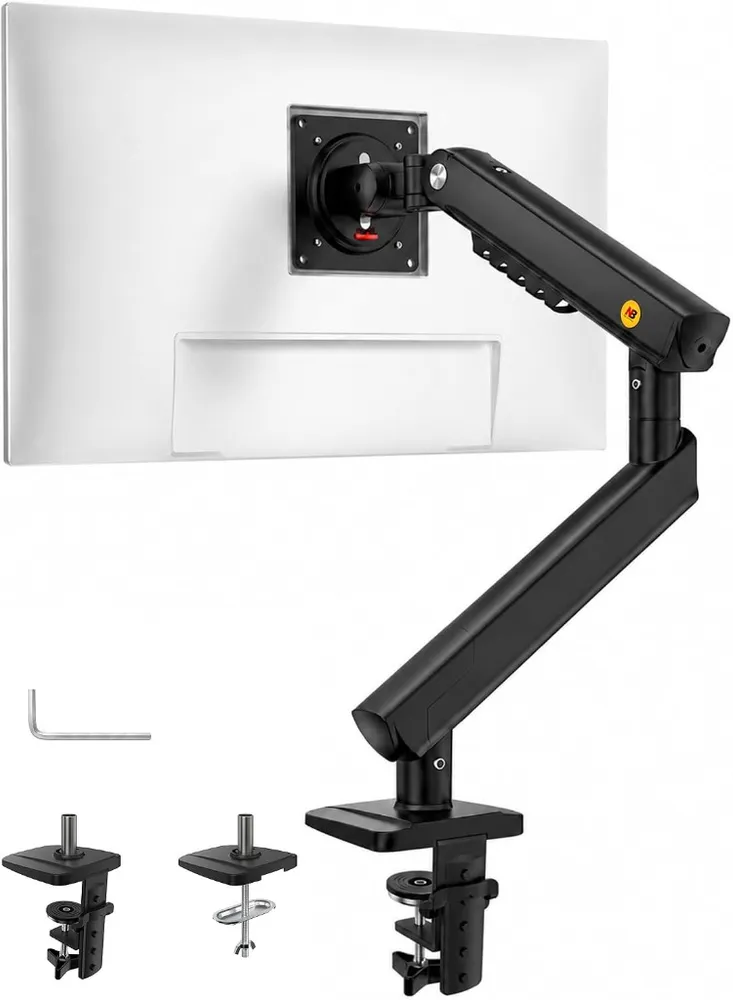
  4. NB F80 Monitor Arm

    North Bayou

    The single best desk upgrade for CS2 players. Replaces bulky monitor stands so your mousepad can slide directly underneath the screen for optimal low-sens arm positioning.

    Screen Sizes
    17 - 30 inches
    Load Capacity
    2 - 9 kg
    VESA Pattern
    75x75 / 100x100 mm
    Mechanism
    Gas Spring
    • Frees up valuable desk space directly beneath the monitor for large mousepads
    • Smooth gas spring allows effortless height, tilt, and swivel adjustments

    Requires a sturdy desk edge or grommet hole for secure clamping

    View on AmazonFull review

Before you buy

What actually decides this

  1. Refresh rate

    The number of times per second the panel redraws, and the only spec here with a direct effect on what you can react to. 60 to 144 Hz is the largest jump you will ever feel; 144 to 240 is real but much smaller; past 240 you are paying for diminishing returns.

  2. Frames to feed it

    A 240 Hz panel showing 130 fps is a 130 Hz panel that cost more. Check what your machine actually produces in Counter-Strike before buying the refresh rate, not after.

  3. Size and distance

    24 inches is the competitive standard because at normal desk distance the whole screen sits inside your field of view without eye movement. 27 works if you sit further back. Larger means turning your head to check a corner of the minimap.

  4. Response time, read honestly

    "1 ms MPRT" is a motion-blur figure produced with backlight strobing, not the pixel transition time. It is not comparable to the 1 ms GtG on another box. Treat both as a rough floor rather than a ranking.

  5. Desk space

    Counter-Strike is played at low sensitivity, which needs forearm room. A monitor arm buys back the whole footprint of the stand and lets you set height properly, which a stand usually cannot.

Refresh rate is the whole argument

Everything else on a monitor box is negotiable. Refresh rate is not, because it sets how long you wait for the screen to show you something that has already happened in the game.

At 60 Hz a new frame arrives every 16.7 ms. At 144 Hz, every 6.9 ms. At 240 Hz, every 4.2 ms. Those gaps are the delay between a player stepping into your crosshair and you being shown it, and they sit on top of every other delay in the chain — your mouse, the network, your own reaction time.

The shape of that list matters more than the numbers. Going from 60 to 144 removes almost 10 ms. Going from 144 to 240 removes under 3. The first is a change anyone notices inside a minute; the second is real but small, and it is the point where most people should stop and spend the difference on the machine driving it.

A panel is only as fast as the frames you feed it

This is the mistake that costs the most money. A 240 Hz monitor fed 130 frames per second behaves like a 130 Hz monitor. The panel cannot invent the frames your graphics card did not draw.

Before choosing a refresh rate, look at what Counter-Strike actually reports on your machine at the settings you play with. Buy the panel that matches it, or buy the panel you are upgrading towards and accept that the benefit arrives later.

Why the professional field is still on 24-inch 1080p

It looks like conservatism and it is not. Two reasons, both practical.

The first is field of view. At normal desk distance a 24-inch screen fits inside the area your eyes cover without moving. Nothing is in a corner you have to look at deliberately. Go bigger and the minimap, the ammo counter and the edges of the screen start costing eye movement — small, but constant.

The second is frames. 1080p is the cheapest resolution to drive, and many players go further and run 4:3 stretched, which cuts the rendered pixel count again while making models wider. Whatever you think of the aesthetics, the motivation is the same: spend nothing on pixels, spend everything on frames.

If the monitor also has to be your work screen, this argument weakens and 1440p at 27 inches becomes reasonable. Know which trade you are making.

Reading the response-time number

Manufacturers quote two different things and rarely say which.

GtG — grey to grey — is roughly how long a pixel takes to change shade. It is the closer of the two to a real measurement, and it is quoted at the panel’s best case rather than its average.

MPRT — moving picture response time — describes perceived motion blur, and reaching a low figure usually means the backlight is strobing: flashing off between frames so each one is shown briefly. That does reduce blur. It also reduces brightness and can be visible as flicker.

Neither number ranks two monitors reliably. Any modern gaming panel is fast enough that the refresh rate, not the transition time, sets what you see.

The part nobody puts on the box

Counter-Strike is played at low sensitivity, and low sensitivity needs forearm room. A monitor stand occupies the exact stretch of desk your mousepad wants.

An arm takes the screen off the desk entirely, and it lets you put the top of the panel at eye level, which most included stands cannot reach. It is the cheapest upgrade on this page and the one people think about last.

What we would ignore

Contrast ratios in the thousands. Quoted in a dark room on a static image. You are playing a game where the practical question is whether you can see someone in a shadow, and that is a settings problem, not a panel one.

HDR under about 600 nits. A logo, not a feature.

Built-in speakers. They exist so the box can list them.

Anything described as an esports mode. It is usually a preset that raises brightness and crushes the dark end. You can do that yourself in two minutes.

FAQ

Monitors (240Hz+) questions

Is 240 Hz worth it over 144 Hz for CS2?

Worth it, but far less than the jump from 60 to 144. You are shortening the wait for the next frame from about 6.9 ms to 4.2 ms. That is a genuine edge at a high level and close to invisible at most others — and it is worth nothing if your machine cannot hold 240 fps.

Should I buy 1440p or 4K for Counter-Strike?

For Counter-Strike alone, no. Higher resolutions cost frames, and frames are the thing that matters here. The competitive field has stayed on 1080p for that reason, and many play stretched 4:3 on top. If the same screen has to serve work or single-player games, 1440p at 24 to 27 inches is the sensible compromise.

Does a curved monitor help in CS2?

Not measurably. At 24 inches the curve is shallow enough that it is a matter of taste, and it becomes more useful the larger and wider the panel gets. Nobody has shown a competitive advantage. Buy it if you like it, not because it is sold as a gaming feature.

What panel type should I look for?

A modern fast IPS is the safe default: good colour, wide viewing angles, no smearing. TN is faster still and looks worse from any angle. VA gives the deepest contrast and is the one to be careful with, since slow dark transitions can leave a visible trail on moving targets.

Do I need G-Sync or FreeSync?

Useful, not essential. Adaptive sync removes tearing when your frame rate sits below the refresh rate. In Counter-Strike you are usually running well above it, where the feature does nothing. Take it if it is included; do not pay a premium for it here.

Also picked

The rest of the setup

Read next

Guides that go with this

Full build

The complete setup

This category in context, ranked against every other piece of the setup.