 GEAR
Ranked · 2 picks
CS2 monitors: compact QHD or dedicated 1080p high refresh?
These two screens solve different problems. The AOC is a compact QHD IPS option for work and gaming; the ZOWIE is a dedicated Full HD 240 Hz TN option. Match the screen to your graphics output, frame-rate stability and everyday desk use.
Published 12 November 2026 · Updated 12 November 2026Affiliate links
Compare the shortlist
| # | Photo | Model | Best for | Check first | Where to buy |
|---|---|---|---|---|---|
| 1 | AOC Q24G4RE | Players who want a compact QHD display for mixed desktop work and gaming. | QHD 180 Hz requires DisplayPort; HDMI is limited to 144 Hz in the manual | View on Amazon.com | |
| 2 | BenQ ZOWIE XL2546X | Players deliberately building a dedicated 1080p high-refresh CS2 setup. | TN viewing angles and 1080p resolution are trade-offs for mixed desktop use | View on Amazon.com |


Mixed-use desk: compact QHD
The AOC Q24G4RE provides QHD in a compact 23.8-inch format. That is a useful combination when text and desktop space matter as well as gaming. Check whether you are comfortable with desktop scaling at this size.
Connection matters: AOC’s English manual specifies QHD at up to 180 Hz over DisplayPort and 144 Hz over HDMI. Check your graphics output and cable rather than assuming the headline refresh rate applies to every port.
Dedicated CS2 desk: Full HD high refresh
The BenQ ZOWIE XL2546X is a 24.5-inch 1080p 240 Hz TN option. It is a specialist choice if motion settings and a dedicated gaming setup matter more than extra desktop resolution. Compare viewing angles and everyday use before deciding.
XL2546X+ is a different model. Check the complete suffix and refresh rate in the listing; the family name does not establish that two offers are equivalent.
Check the PC before the screen
Compare stable frame rates in the resolution you plan to use. A higher refresh-rate monitor does not make the graphics card generate more frames. If your main problem is unstable frame delivery, use the CS2 launch-options and FPS guide to examine the setup first.
Leave room to adjust
Check stand size, height and the space left for the keyboard and mousepad. If you intend to use a monitor arm, confirm mounting compatibility and weight limits rather than adding an arm automatically.
Browse all monitor choices. This comparison does not claim a shared response-time or input-latency test for these panels.
AOC Q24G4RE
AOC
A compact 23.8-inch QHD option for a desk used for work and gaming. AOC specifies 180 Hz over DisplayPort and 144 Hz over HDMI at QHD, so the cable choice matters as much as the headline refresh rate.
- Panel
- 23.8-inch IPS
- Resolution
- 2560 × 1440
- Refresh
- 180 Hz DP / 144 Hz HDMI
- 2560 × 1440 resolution in a compact 23.8-inch format
- IPS panel with up to 180 Hz over DisplayPort
QHD 180 Hz requires DisplayPort; HDMI is limited to 144 Hz in the manual
BenQ ZOWIE XL2546X
BenQ / ZOWIE
A specialist 24.5-inch 1080p 240 Hz choice for players prioritising motion settings over desktop resolution. It is a more specific purchase than a mixed-use QHD screen and should be compared with your PC frame-rate stability first.
- Panel
- 24.5-inch Fast TN
- Resolution
- 1920 × 1080
- Refresh
- 240 Hz
- 240 Hz Full HD panel
- DyAc 2 motion feature and adjustable stand
TN viewing angles and 1080p resolution are trade-offs for mixed desktop use
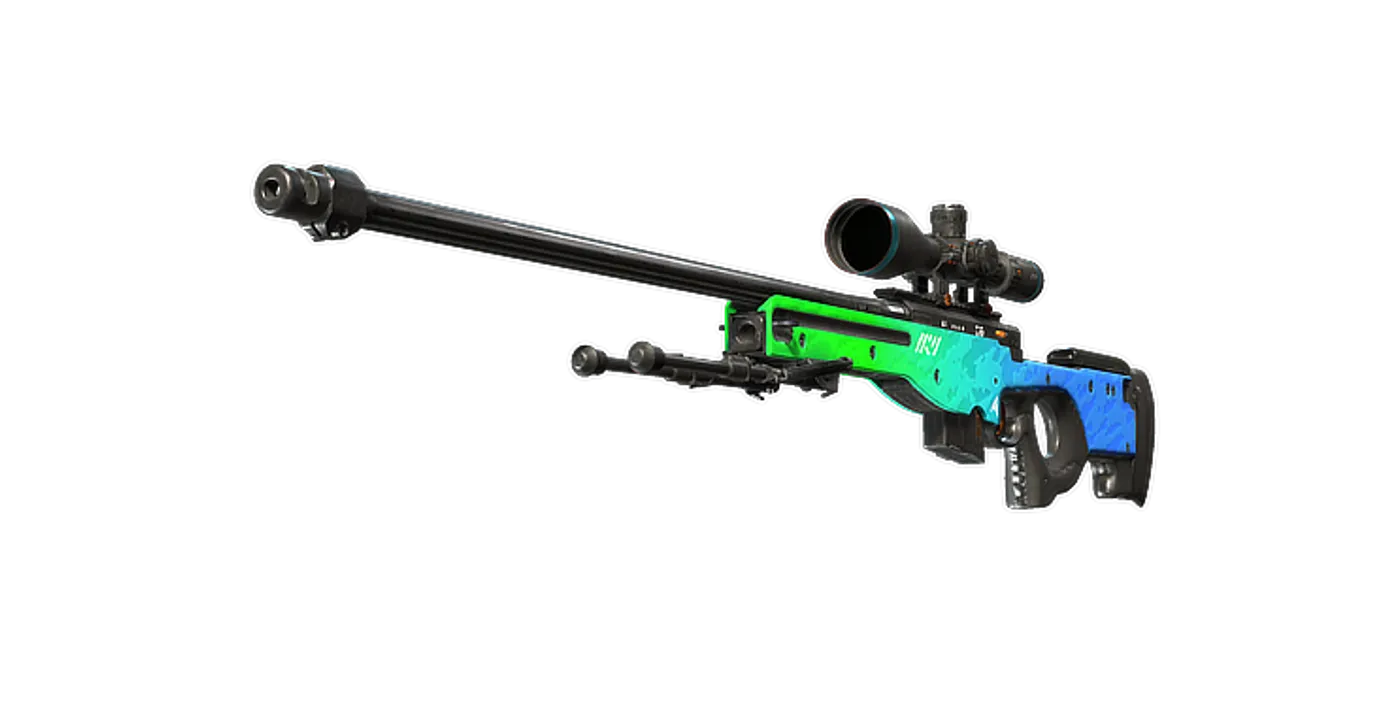
Season 1 · CS2 skin giveaway
Classified · Sniper Rifle
AWPIce Coaled
Field-Tested
One skin, given away every month to subscribers of the YouTube and TikTok channels. Free to enter, no purchase, no gear required.
Claim your ticket